For seven years, I was the primary designer shaping NeuroScouting’s interactive experiences, owning the visual and interactive development process from early concepts through implementation and final polish. I worked across UX, UI, visual design, motion, VFX, 3D, and Unity implementation, experimenting with different tools and techniques as each experience required.
Working across mobile, PC, VR, and AR gave me hands-on experience adapting interactive experiences to different devices, screen sizes, interaction models, and technical constraints. I was the primary designer on a lean team of about 10–12 people, mostly Unity engineers, working with data science and biomedical engineering. I directed external freelance artists and animators and mentored an intern for about six months.
Because I was the primary designer, I had hands-on involvement across the entire visual development process. I could take an idea from an early interaction concept through UI, visual design, motion, effects, 3D, implementation, and final polish.
Working directly in Unity also meant I could experiment, prototype, identify problems, and refine the experience without separating design from implementation. Implementation was part of my design practice, not something that happened after my work was finished.
My involvement also extended to how unconventional inputs behaved inside the experience and how that input should translate into game interactions and feedback.
NeuroPlatform was brain training software and simulator used by professional athletes, with targeted healthcare applications.
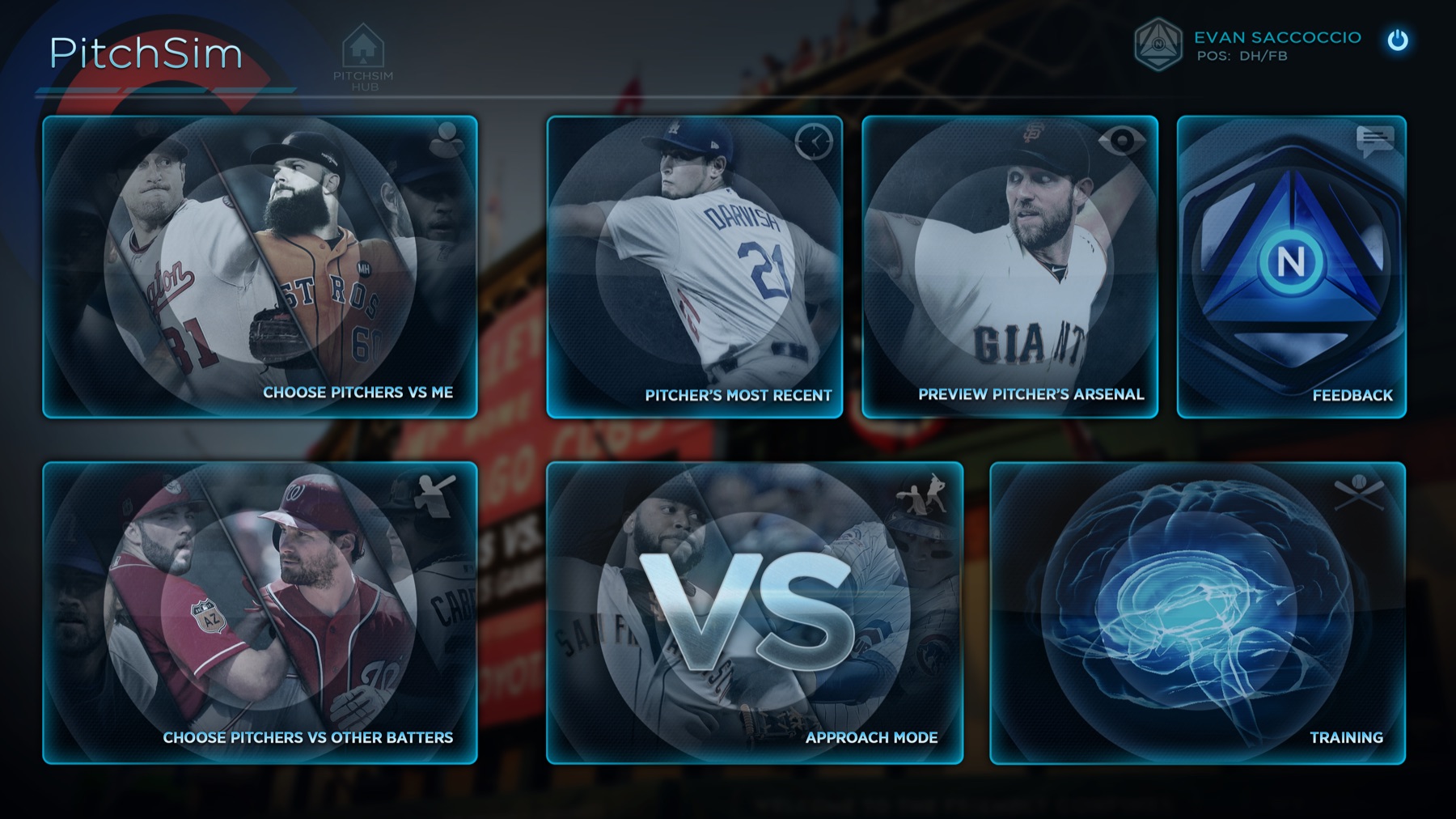
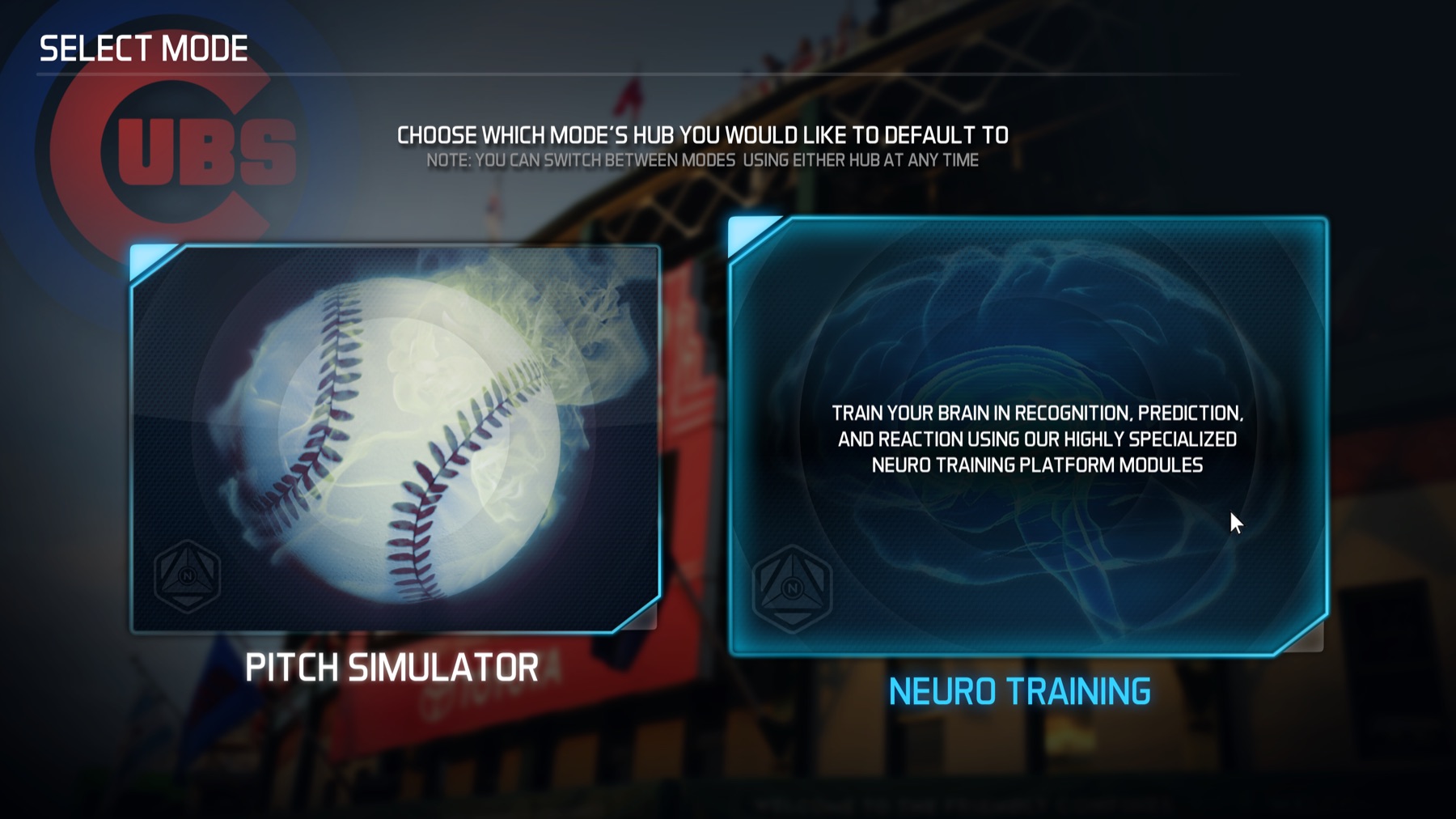
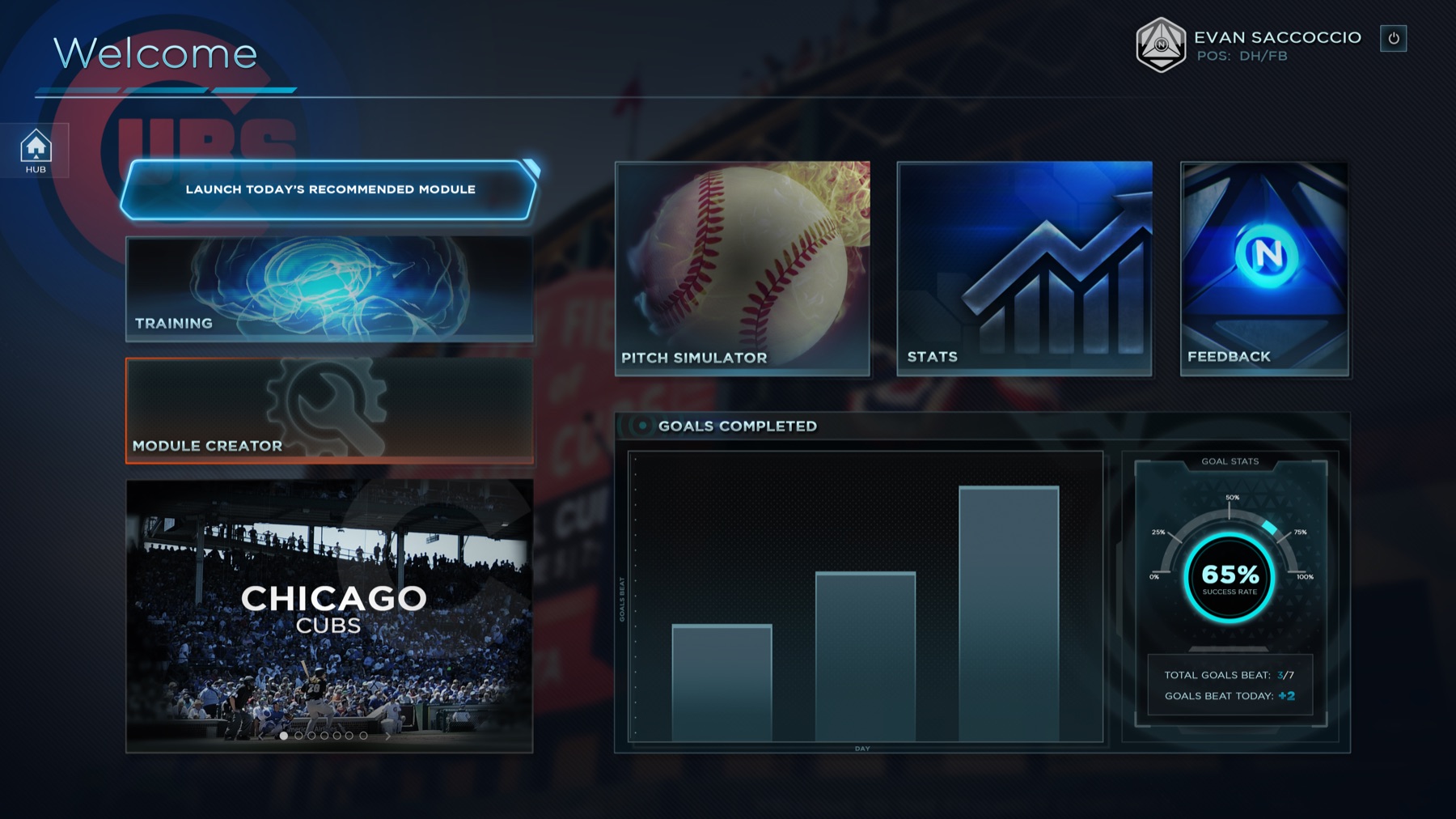
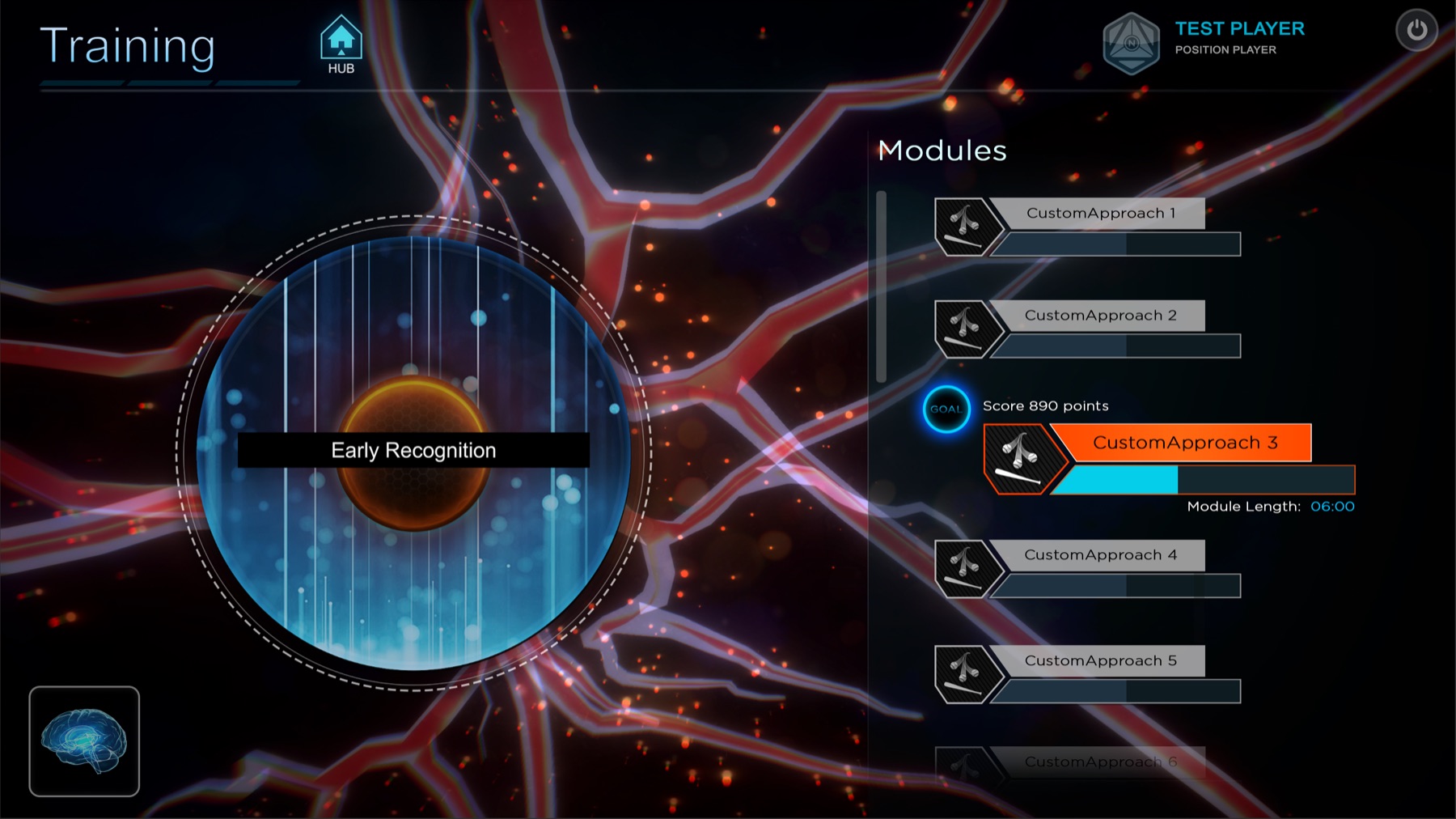
NeuroPlatform UI was designed as a hub with a home page built from highly modular, swappable widgets. Widgets could be added or removed depending on the audience, which made it easier to work with specific user groups and showcase new or in-progress experiences.
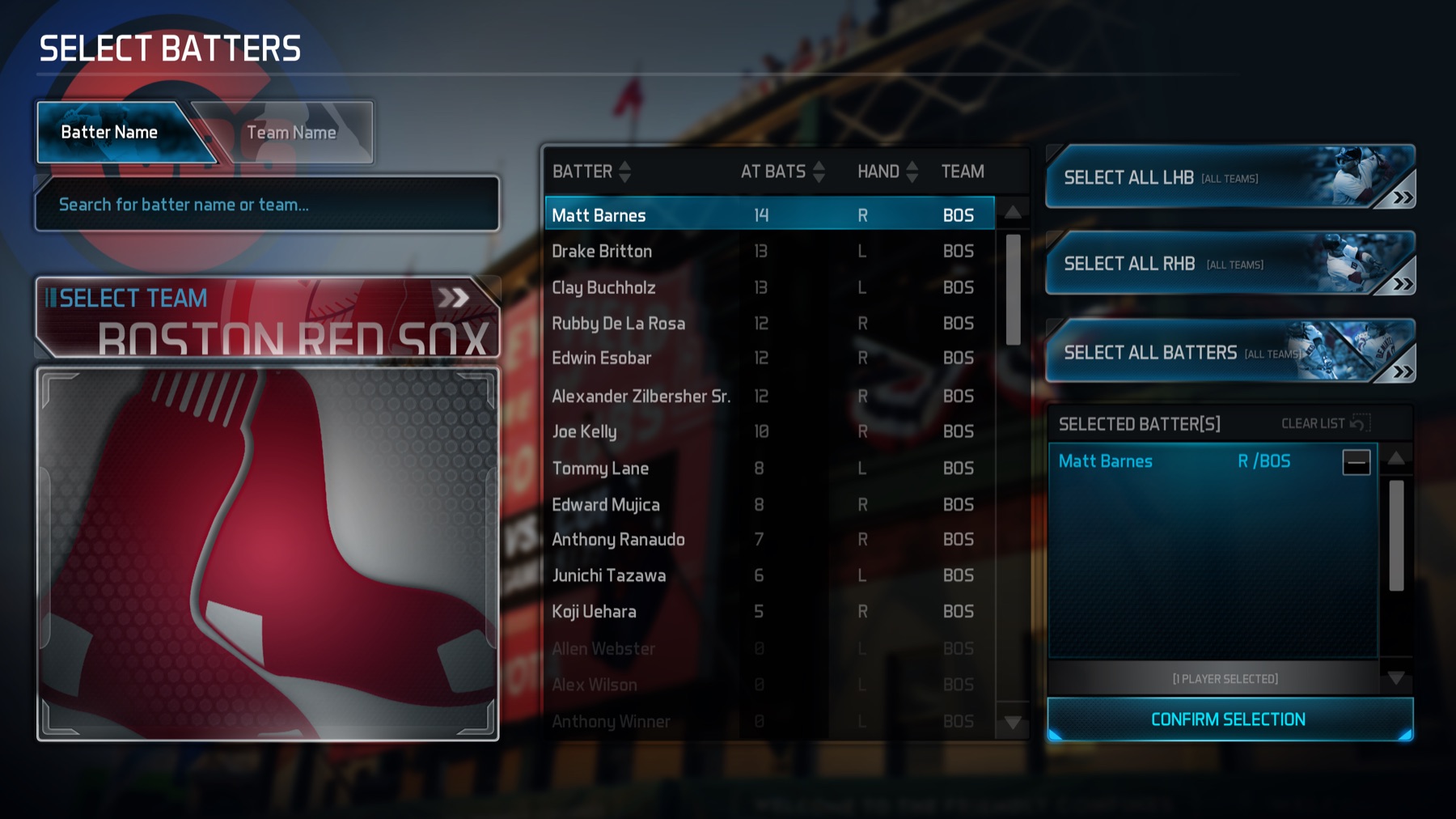
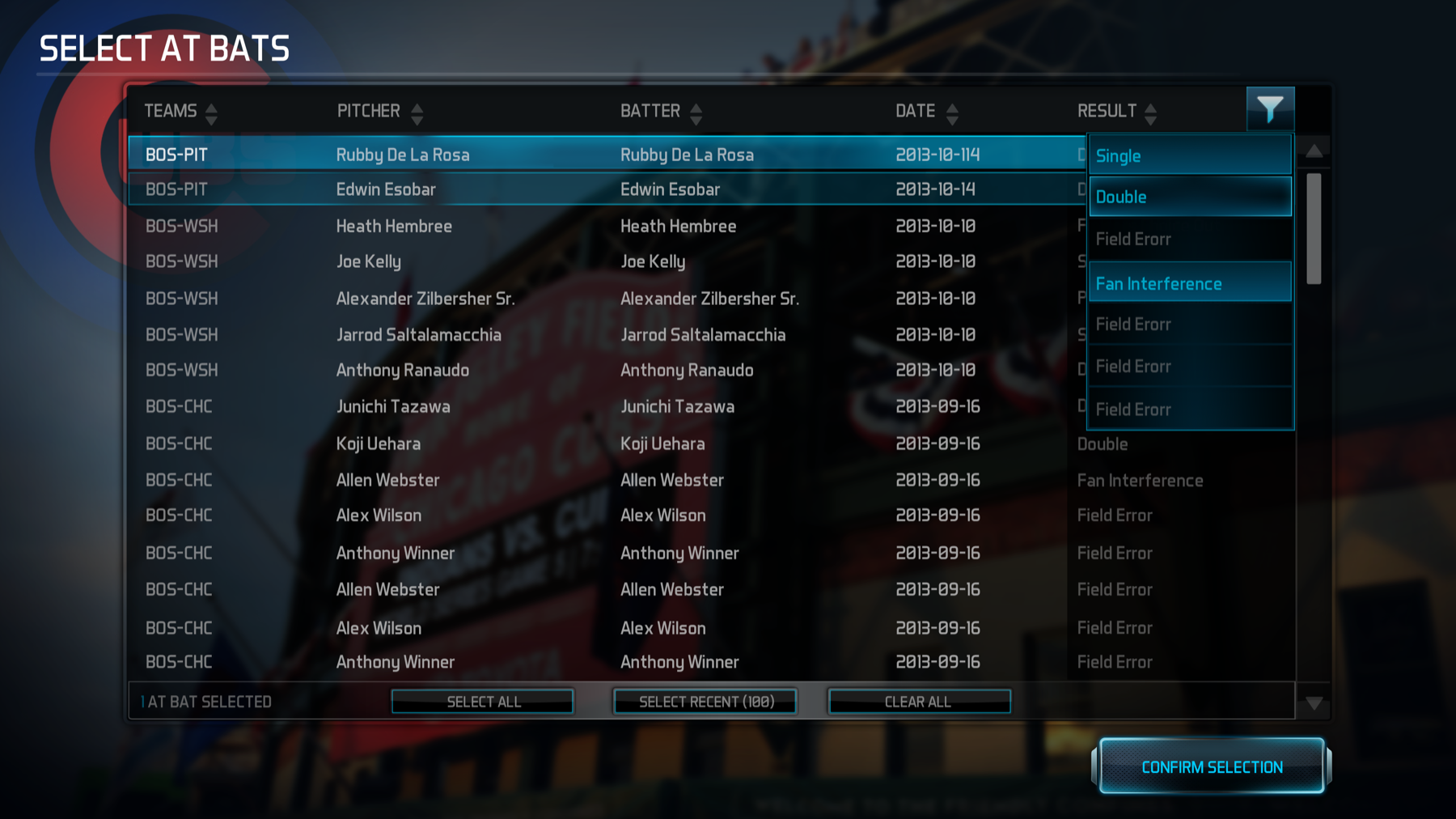
The NeuroPlatform UI was entirely concepted, designed, and created by myself. Final implementation was a collaboration between myself and other Unity developers. There are a lot of moving parts to our app, so we needed to come up with a UI that was both simplistic as well as highly flexible, since this would be the front end wrapper for most, if not all, of our games and new app features.
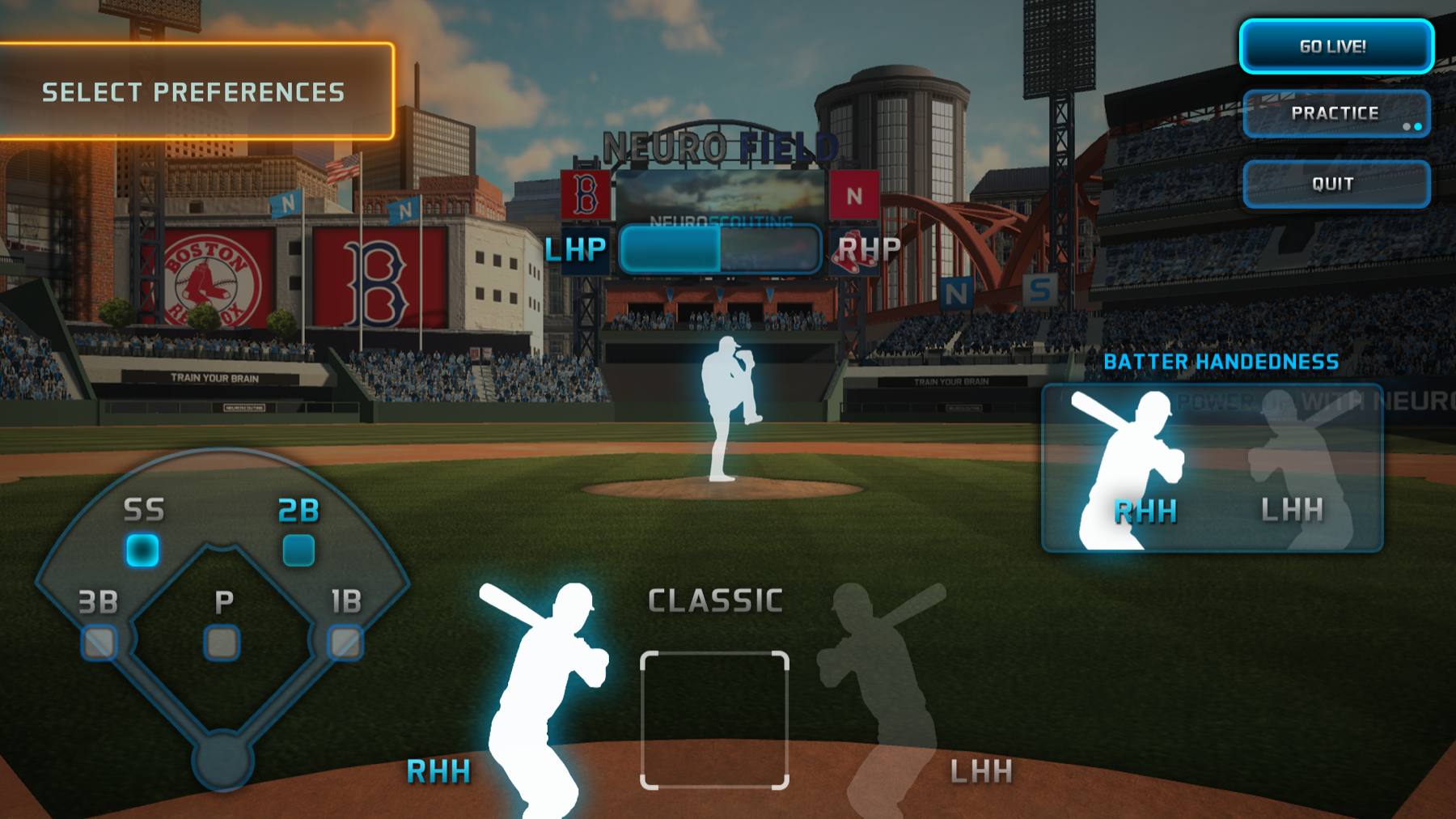
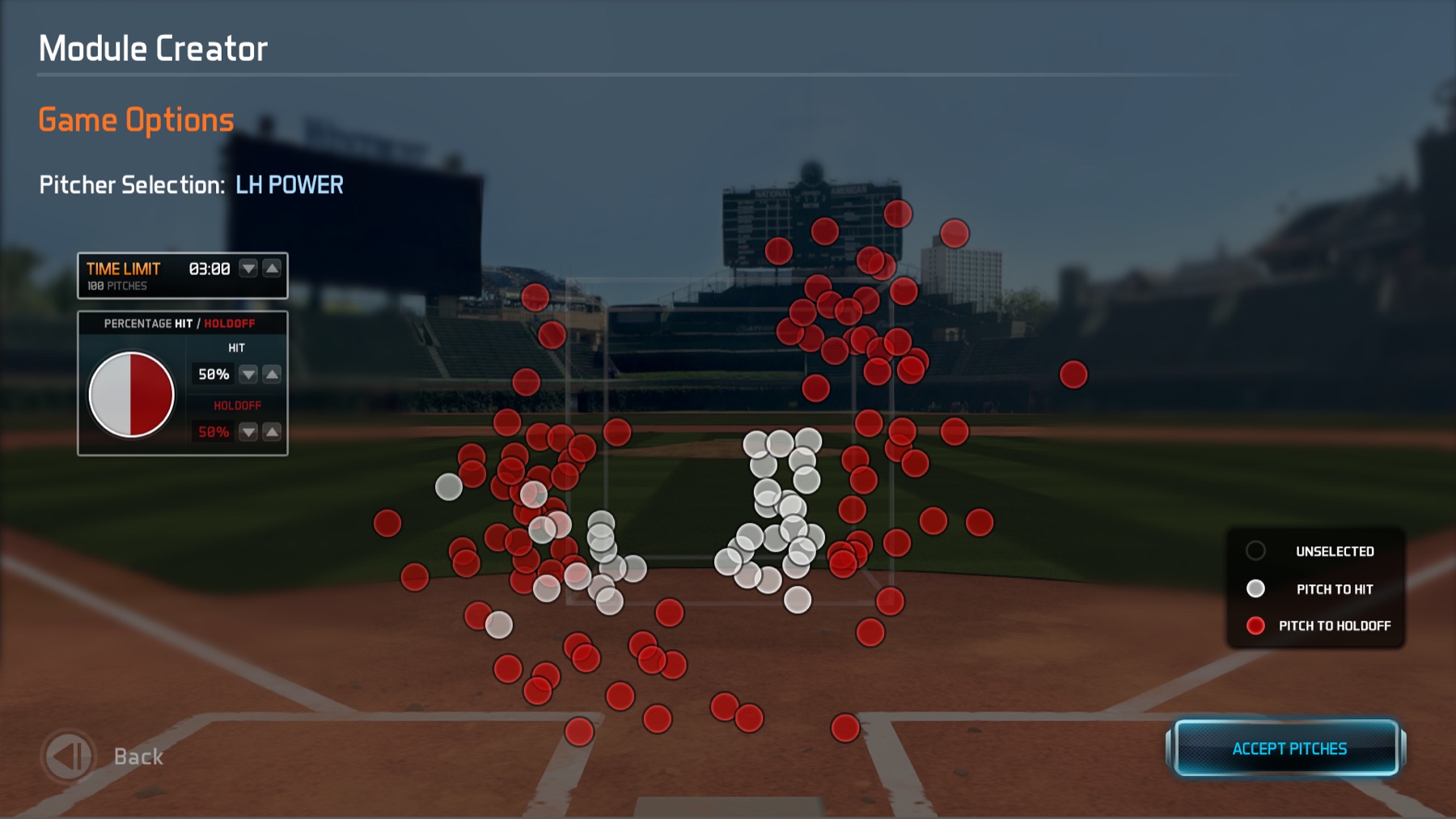
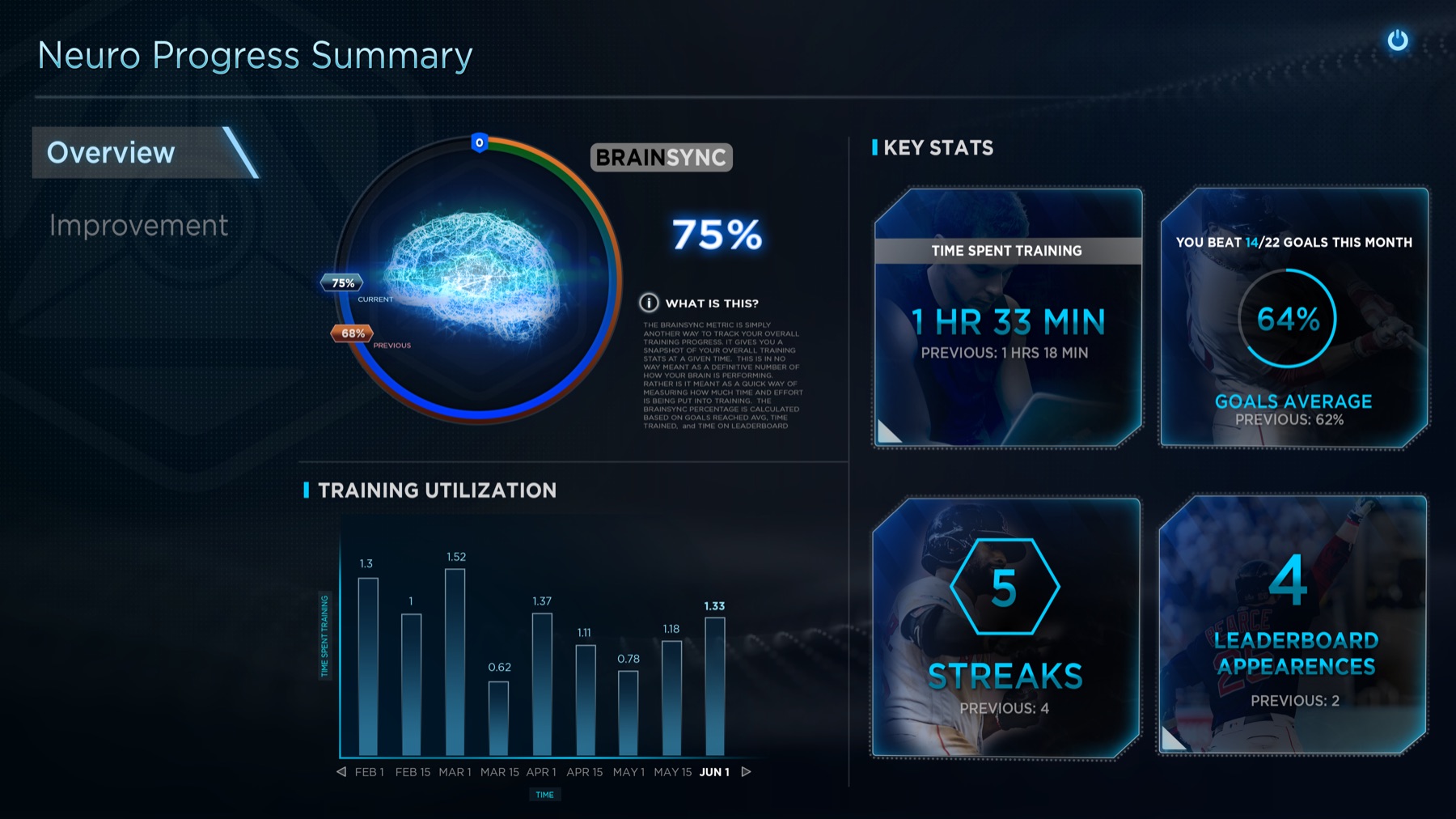
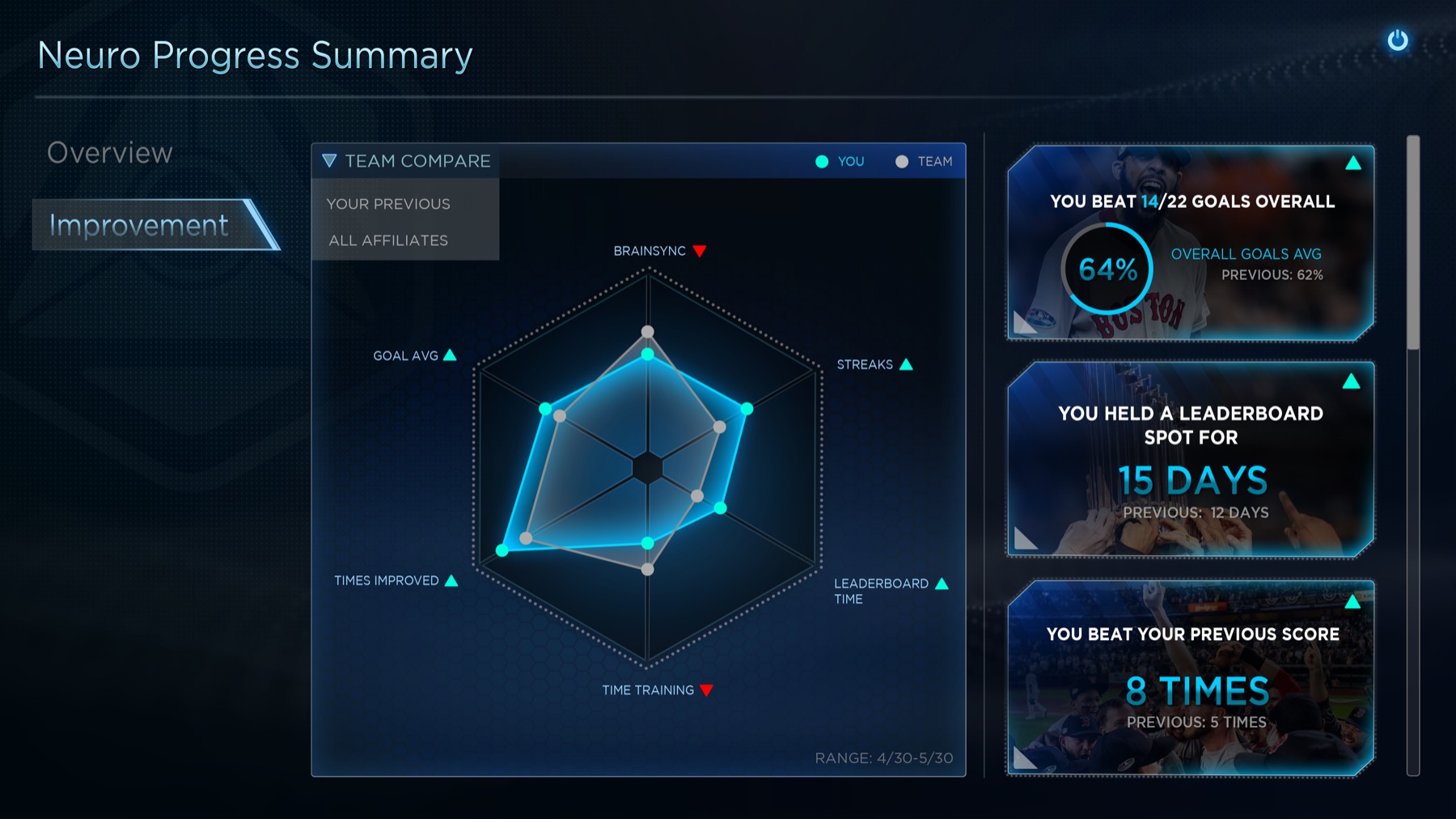
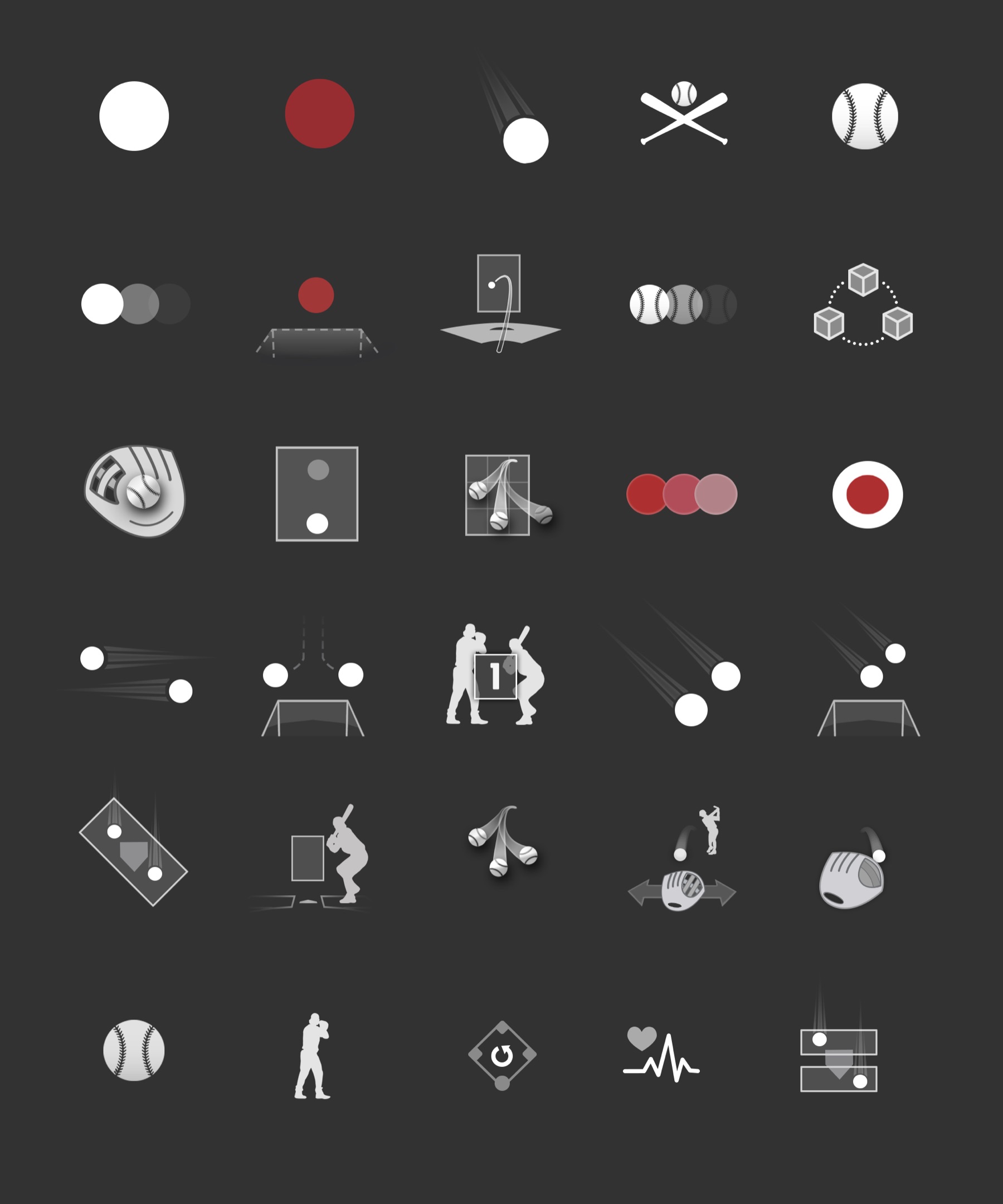
Gametype Icons
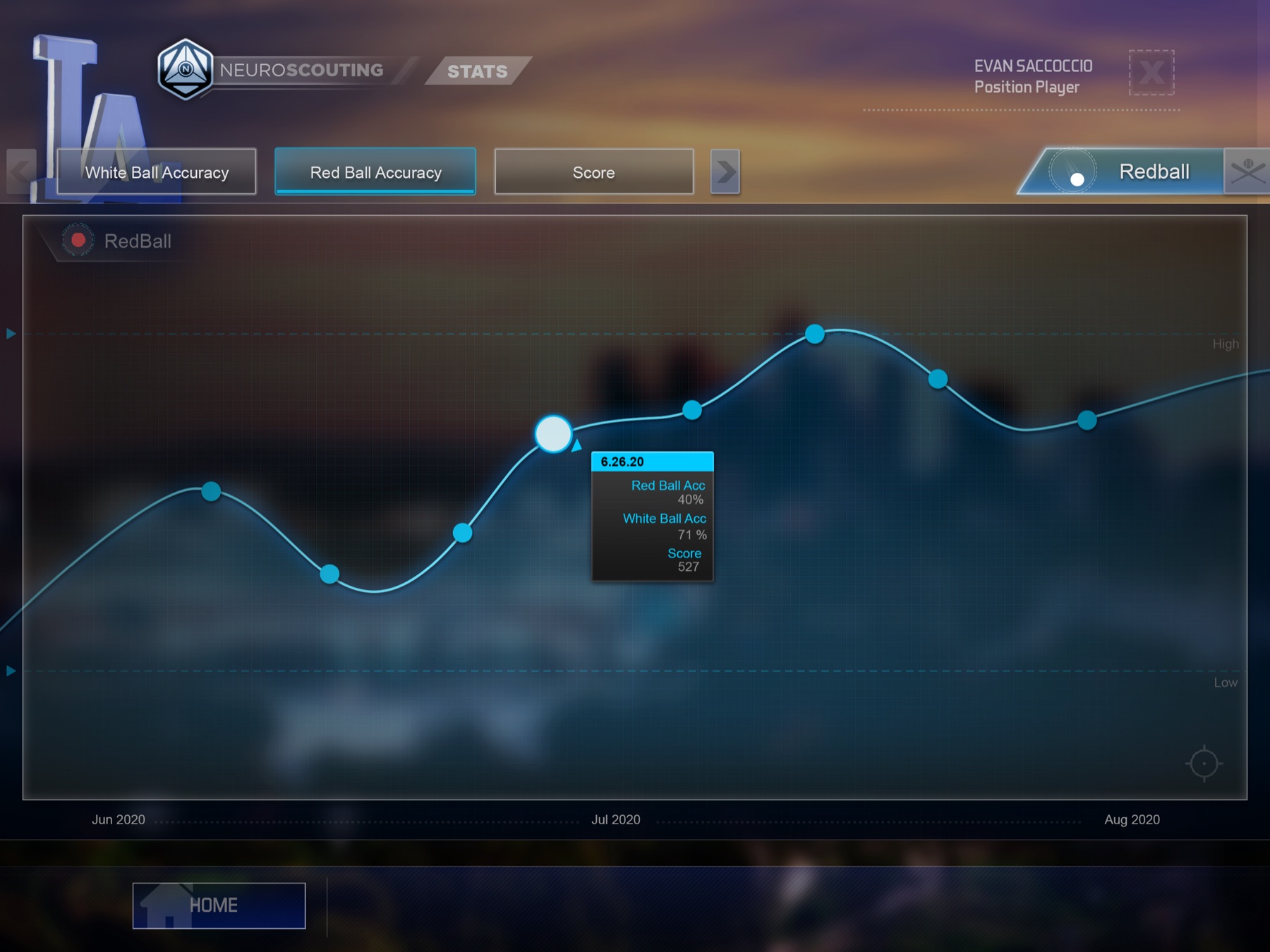
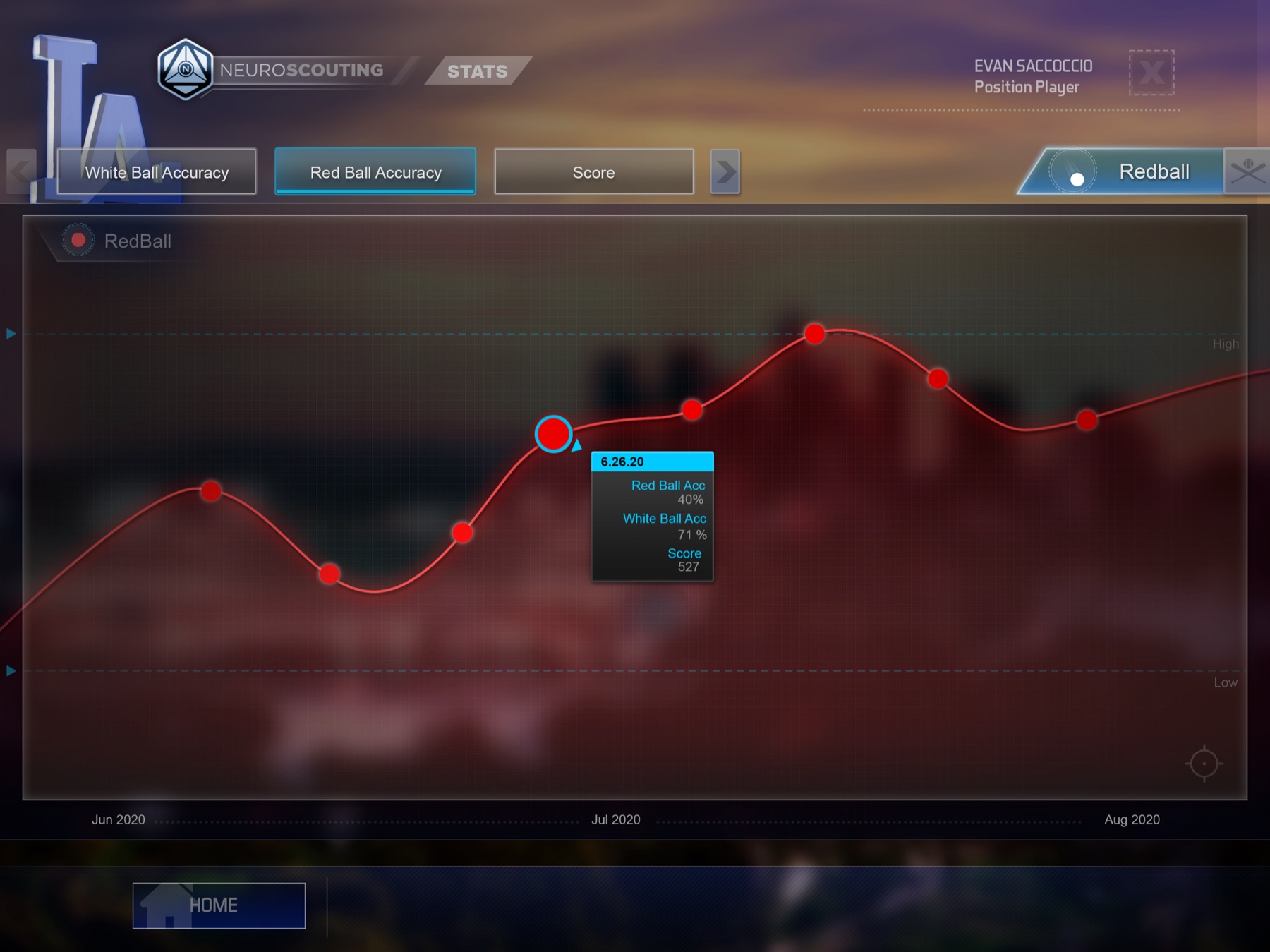
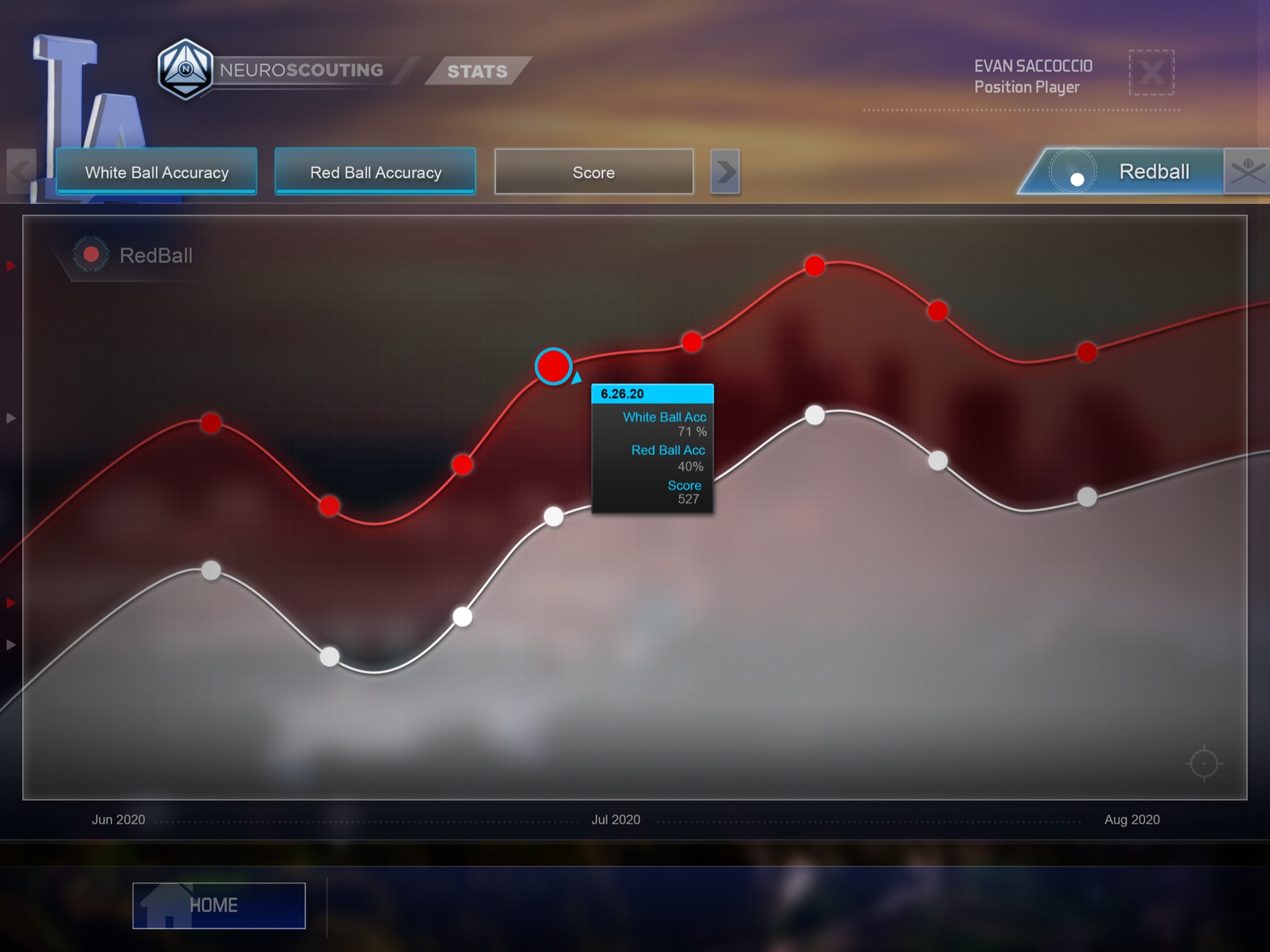
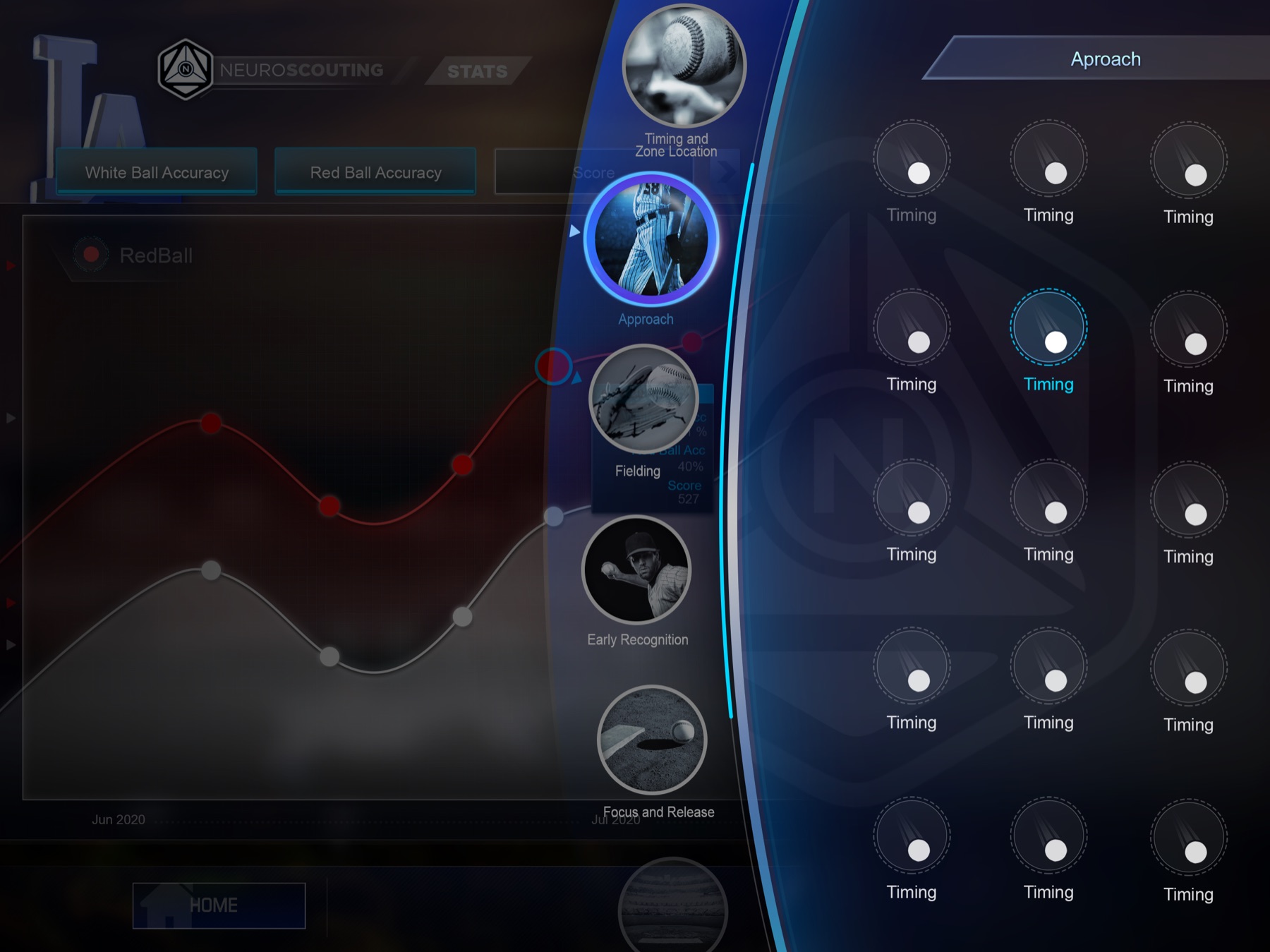
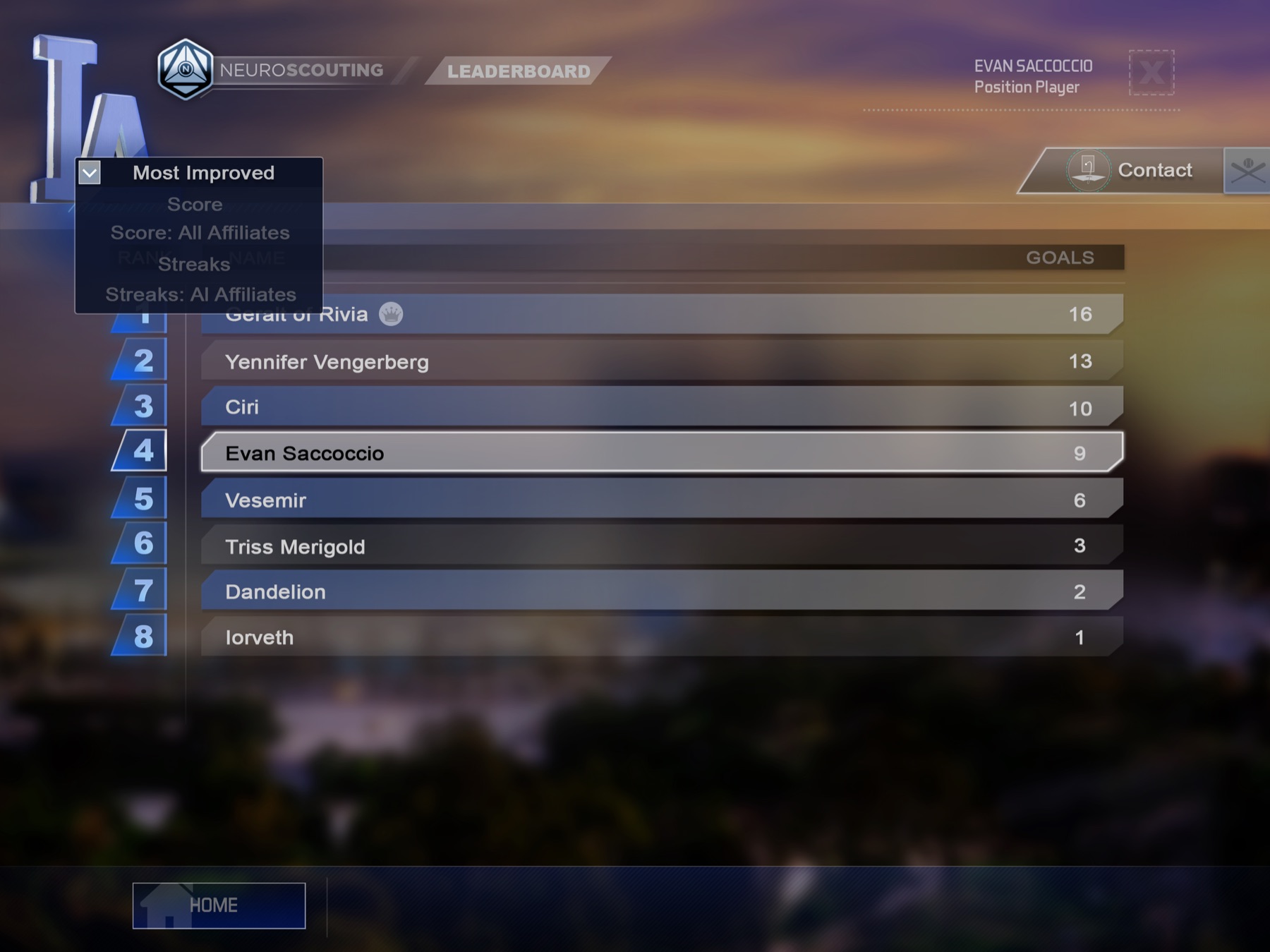
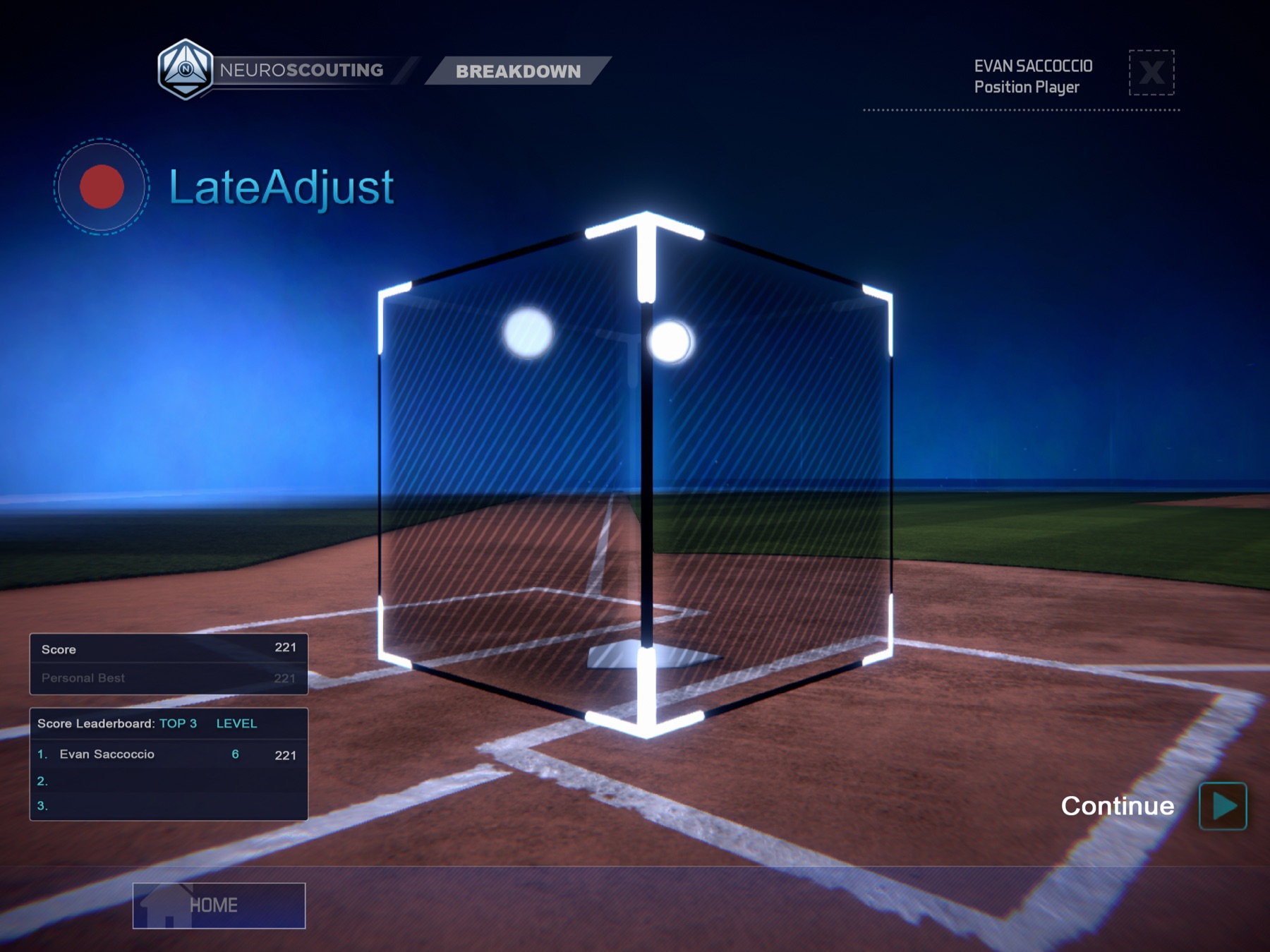
For our iPad app version, we simplified our design even further and tweaked our layout and widgets to better fit a touch screen environment and limited UI space. We also optimized UI animations and FX for better mobile performance.
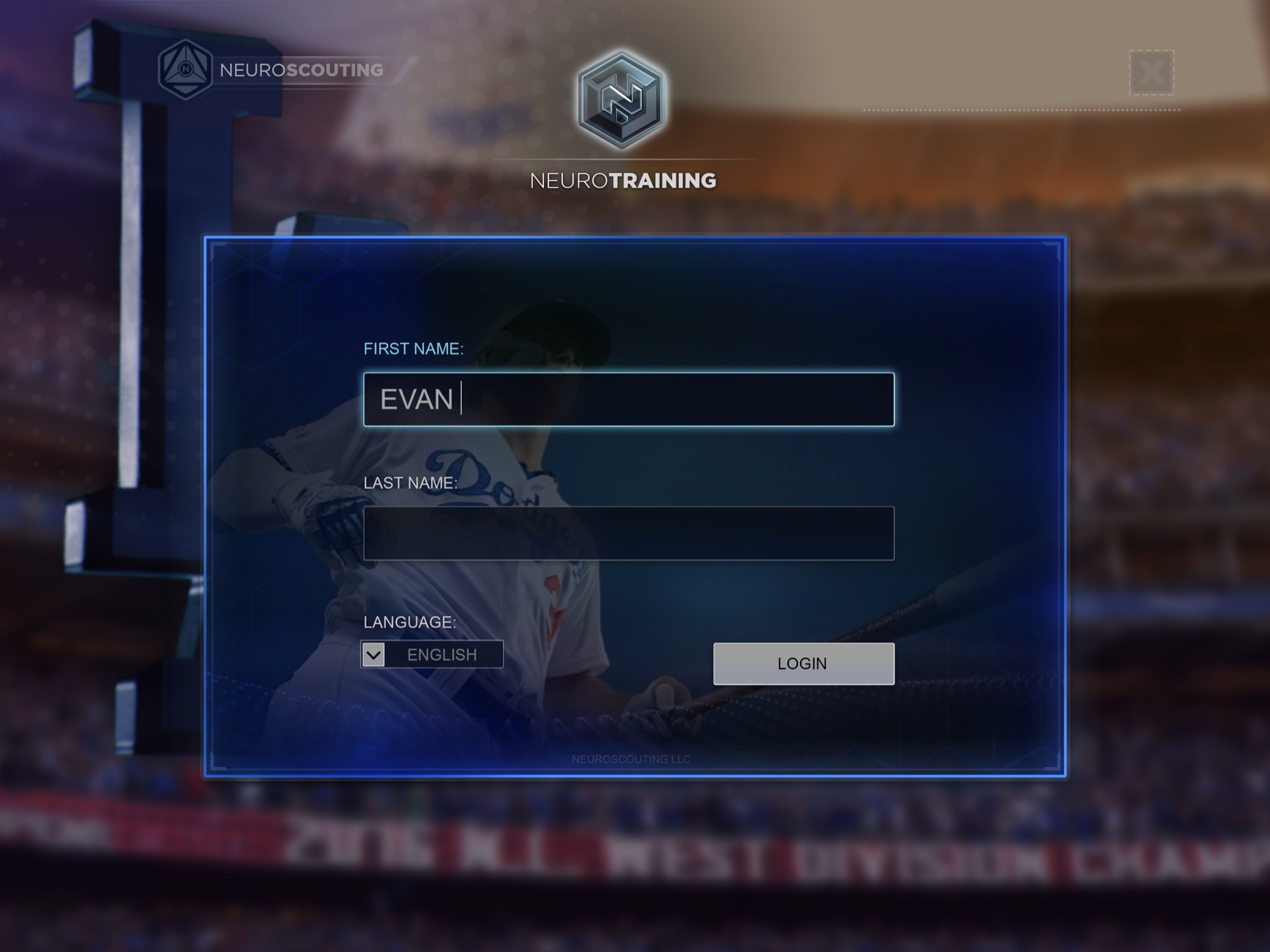
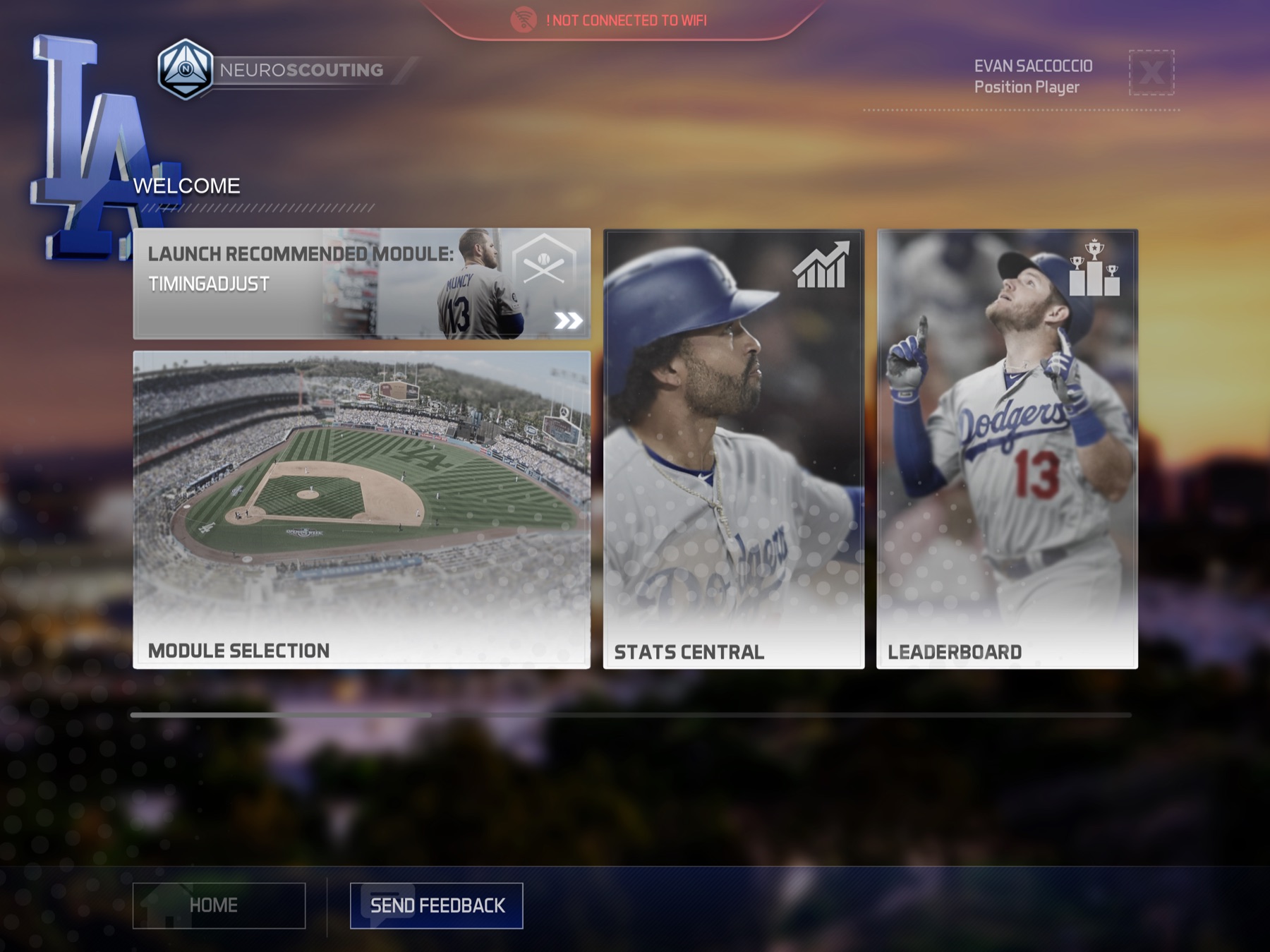
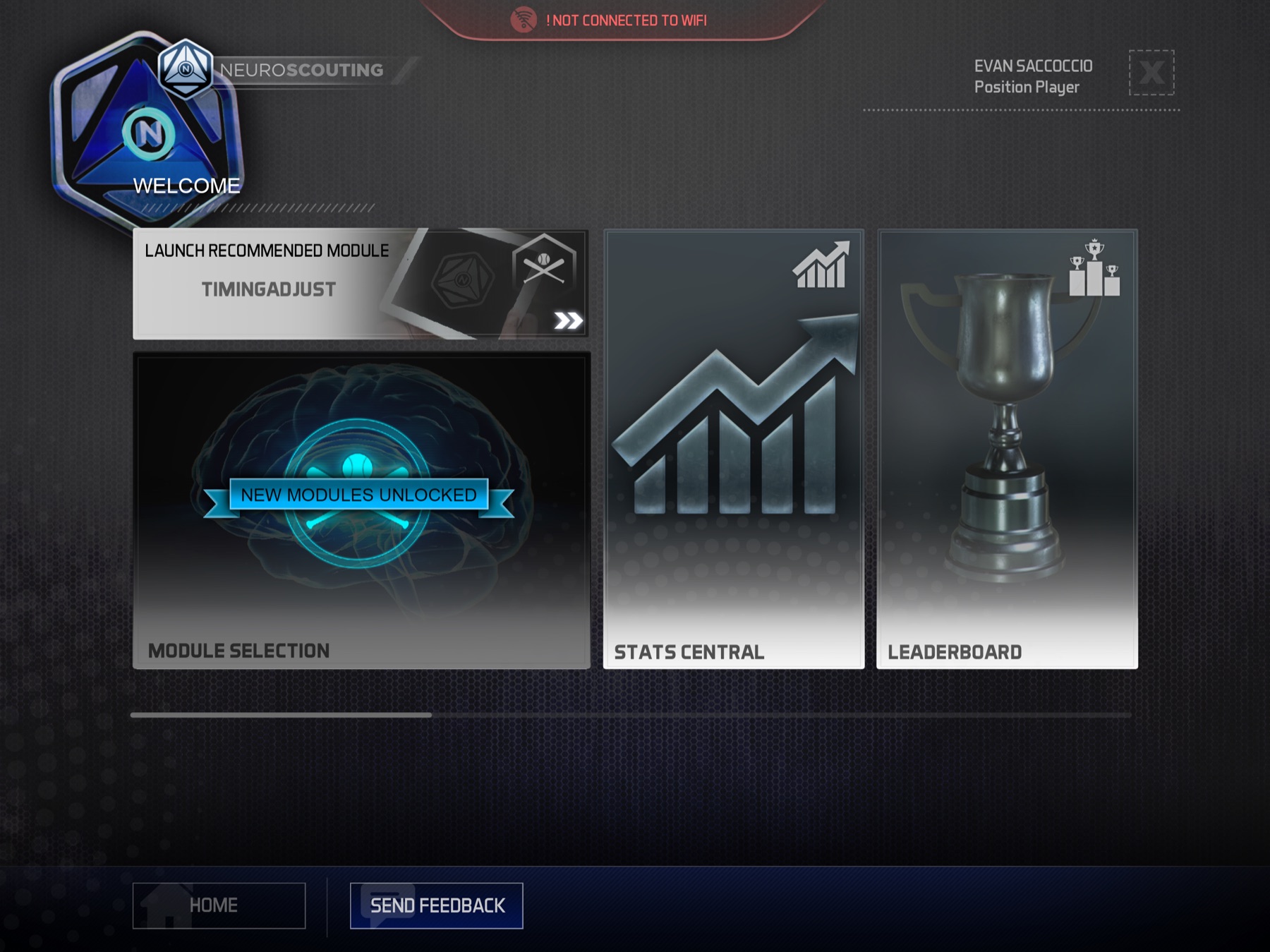
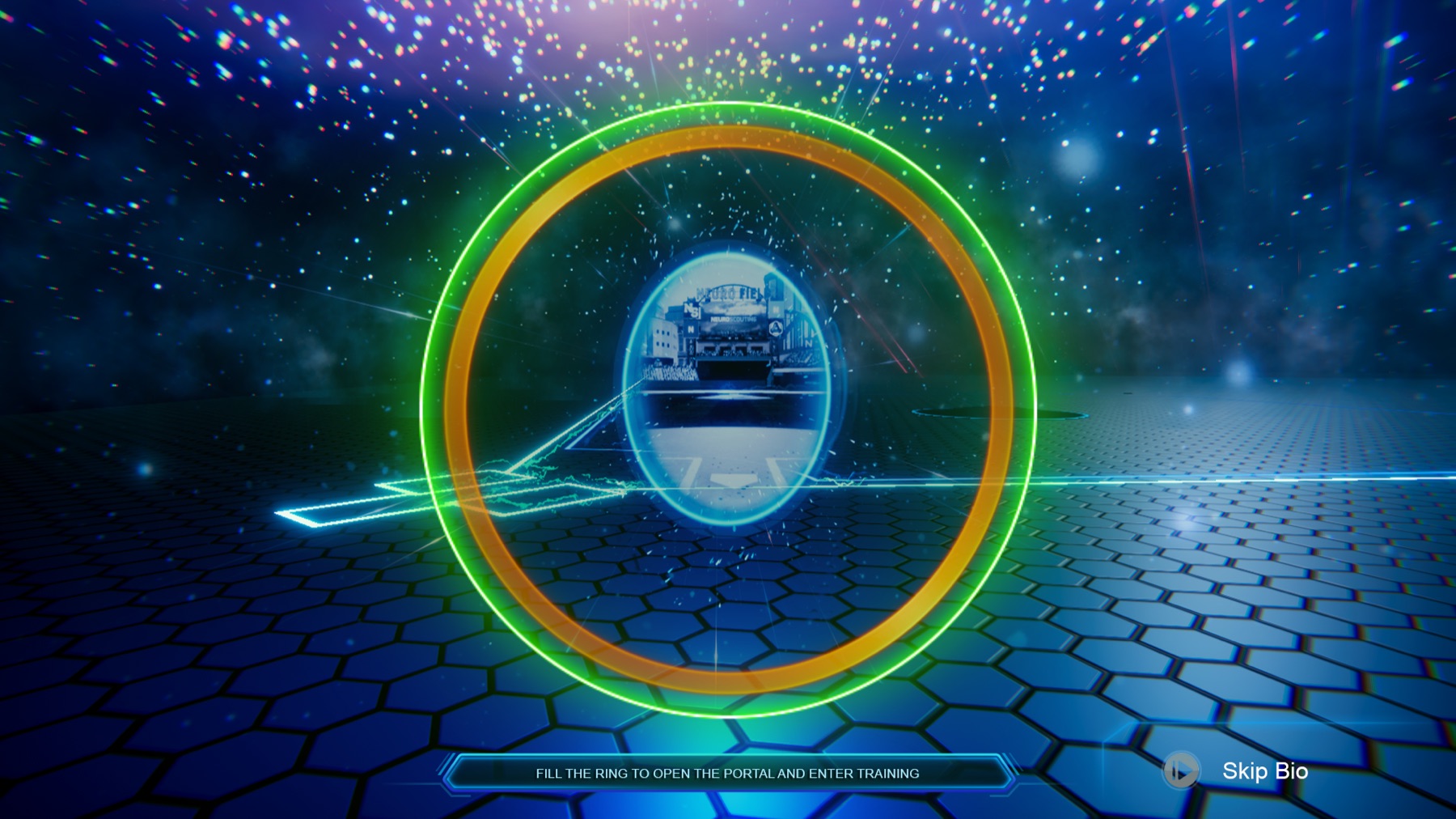
The games ran on a proprietary heart-rate monitor, so the player’s physiological response became an input to the experience. That input was far less direct than a button, mouse, or touchscreen. There was inherent delay and variability between the player’s response, the hardware, the data reaching the game, and the visual response on screen.
A large part of my work was making that interaction feel responsive and intentional despite the delay. We tested and iterated on timing, thresholds, and feedback until the experience felt right, and I was involved in deciding how incoming data translated into game behavior and visual feedback. The challenge was helping the player feel a clear connection between their physiological response and what happened on screen, even when the data wasn’t instantaneous.
Responsible for concepting, design, asset creation, animations and particle FX, game design.
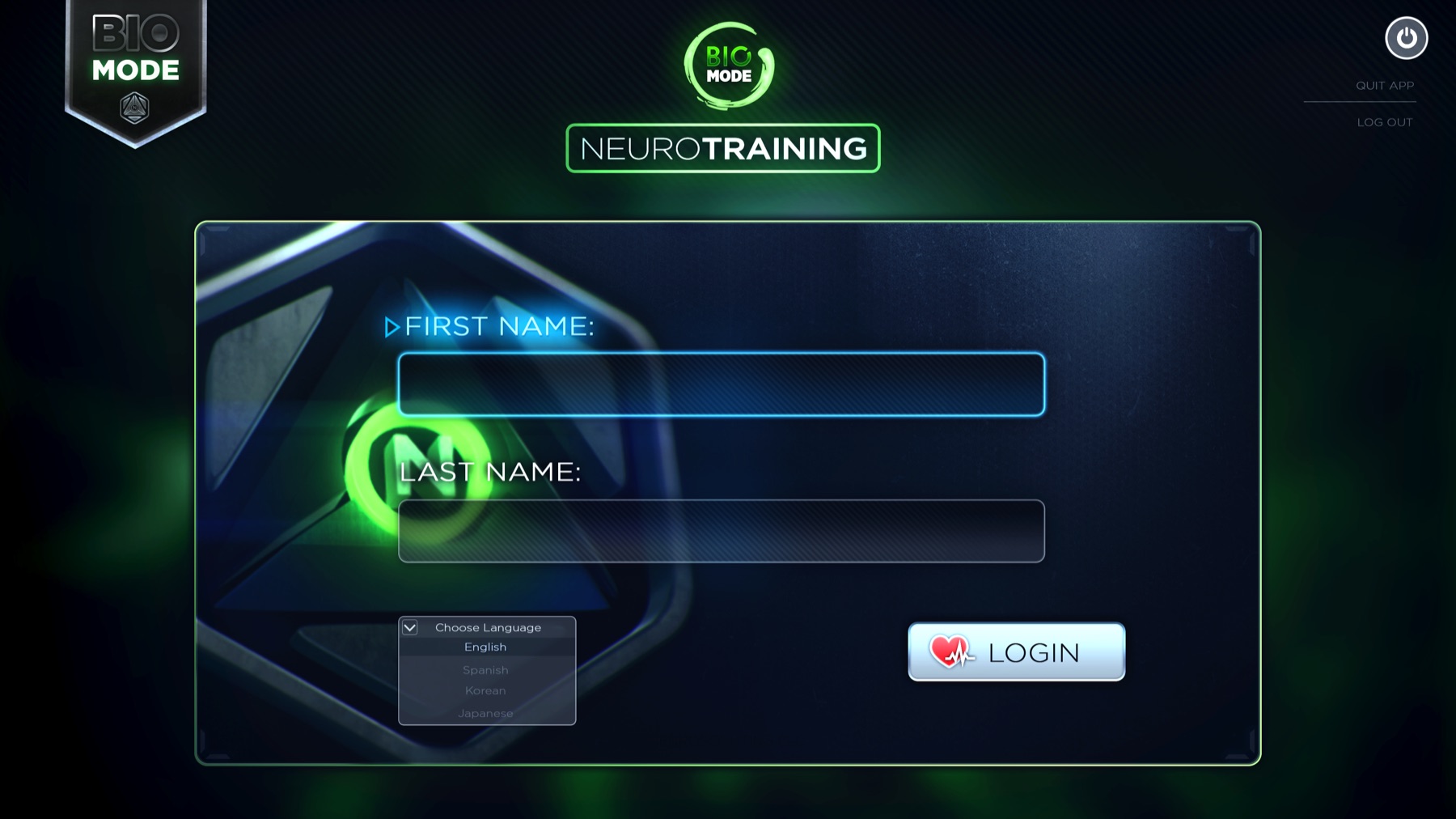
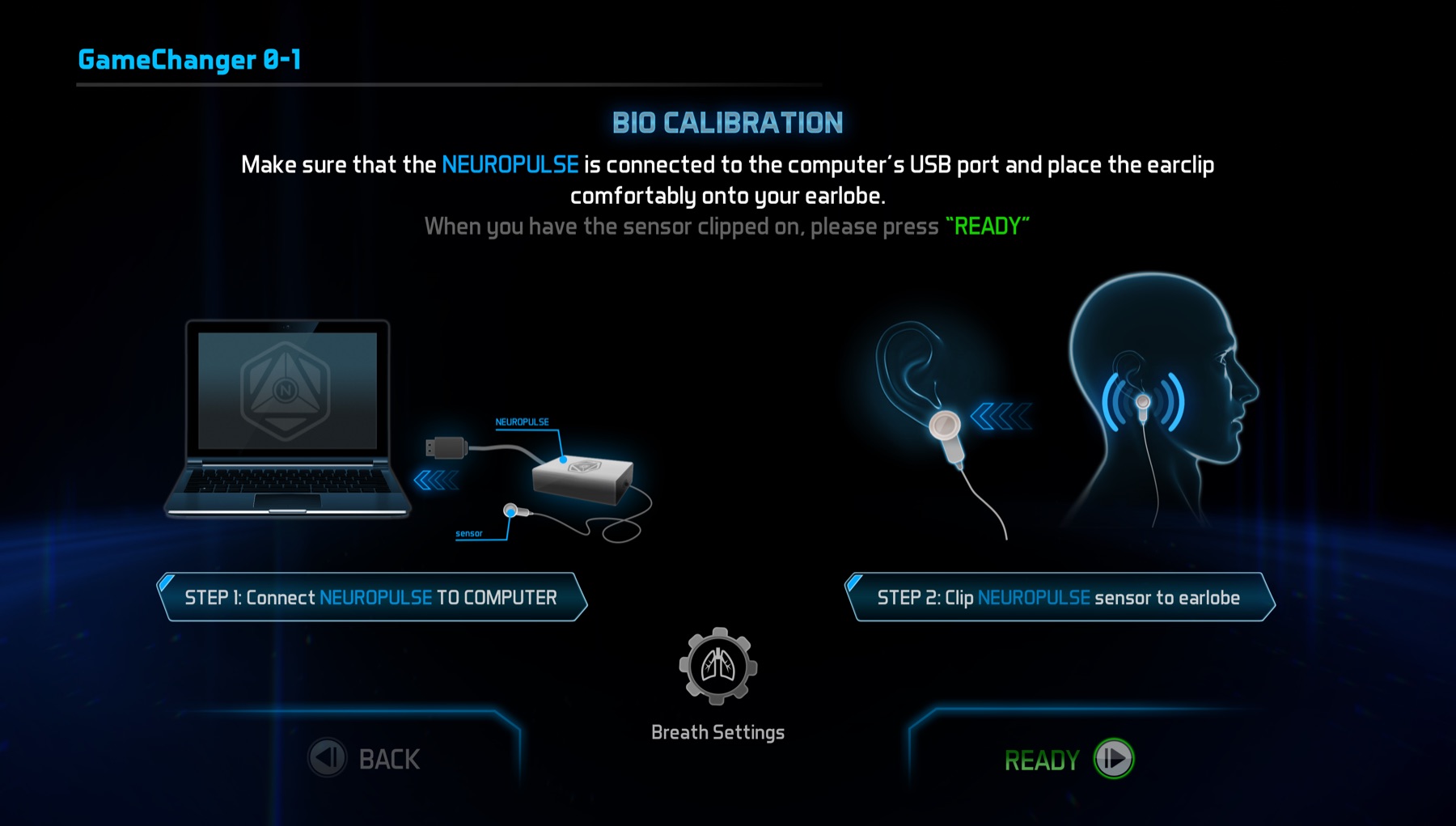
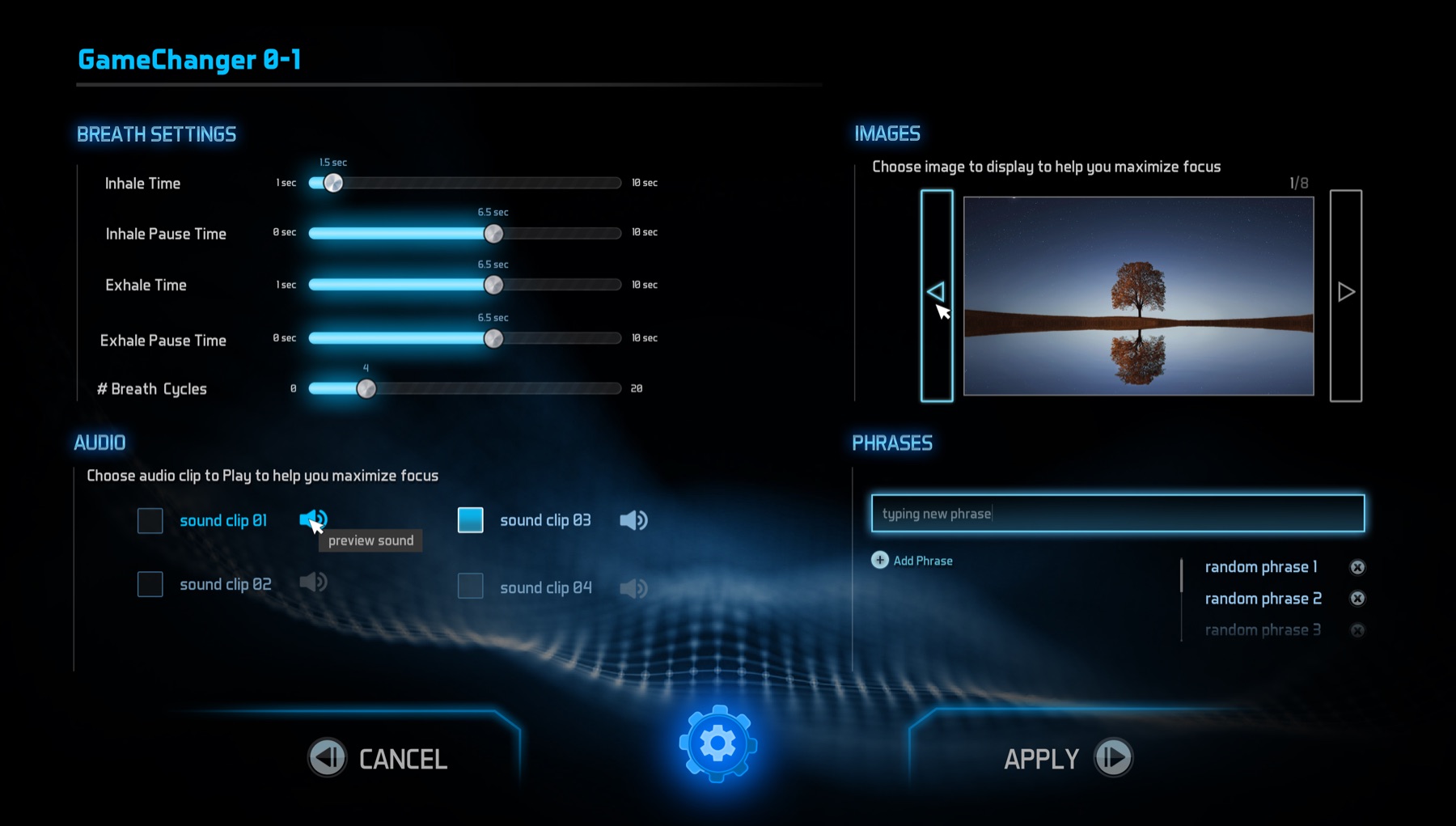
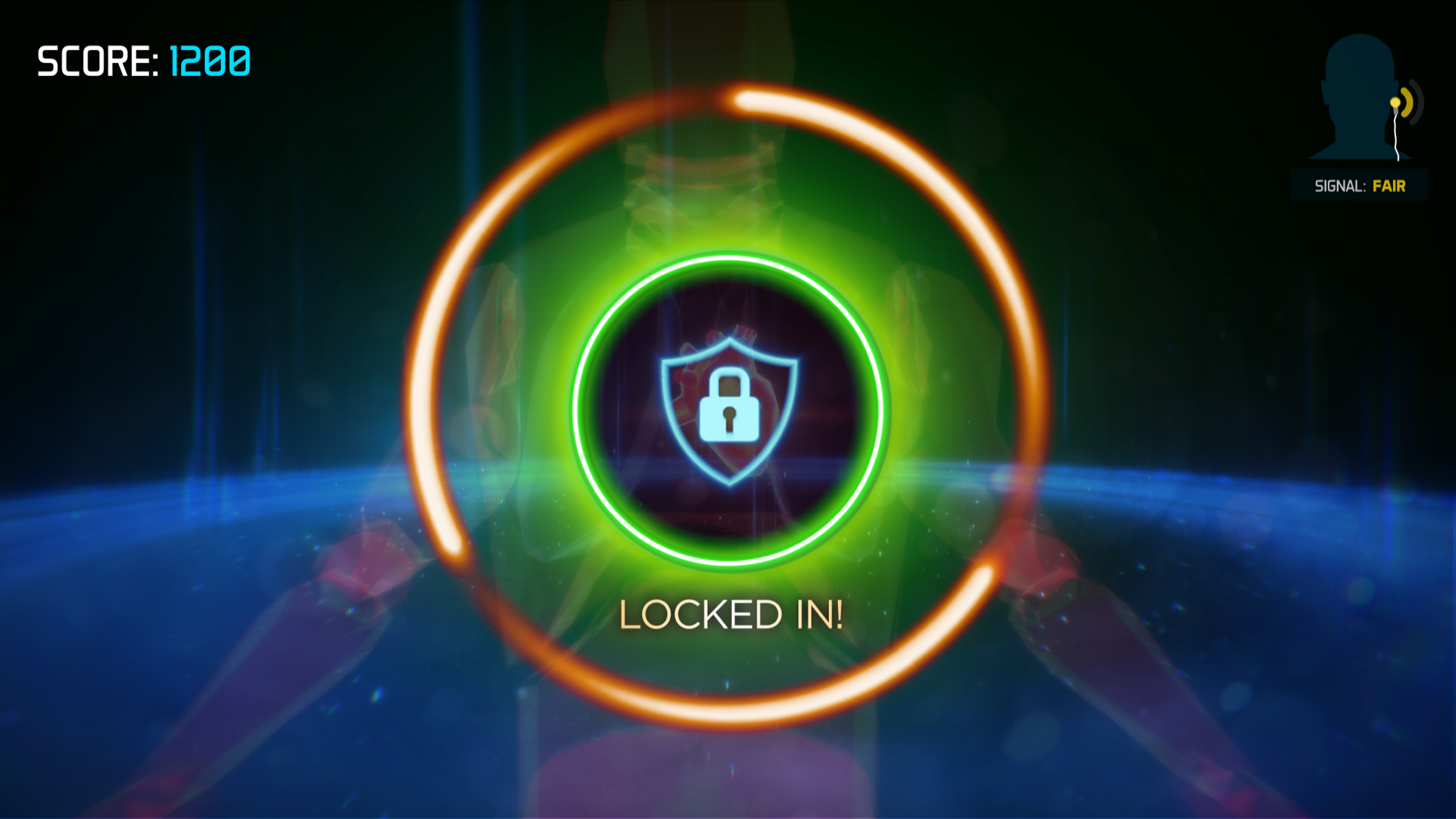
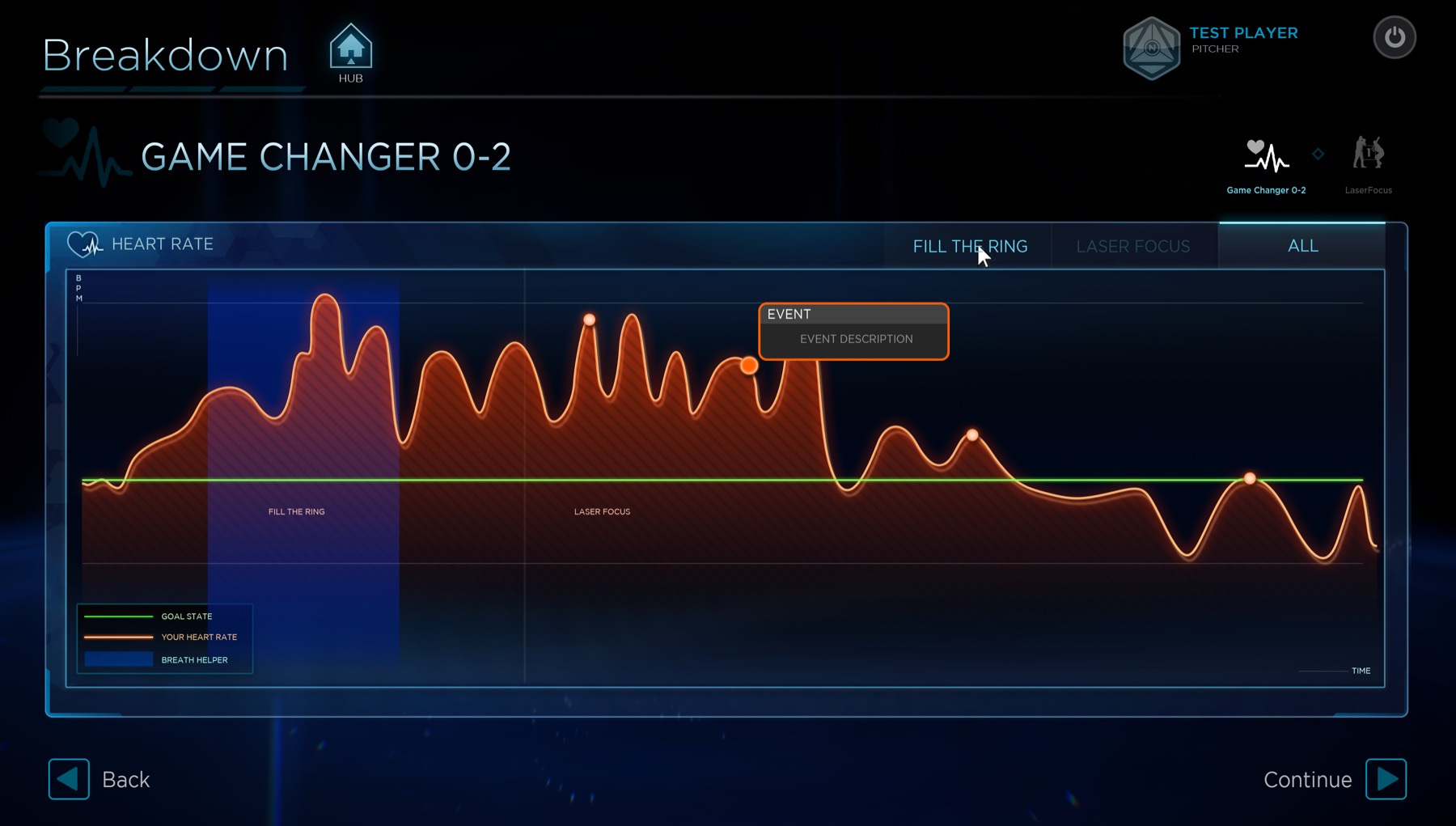
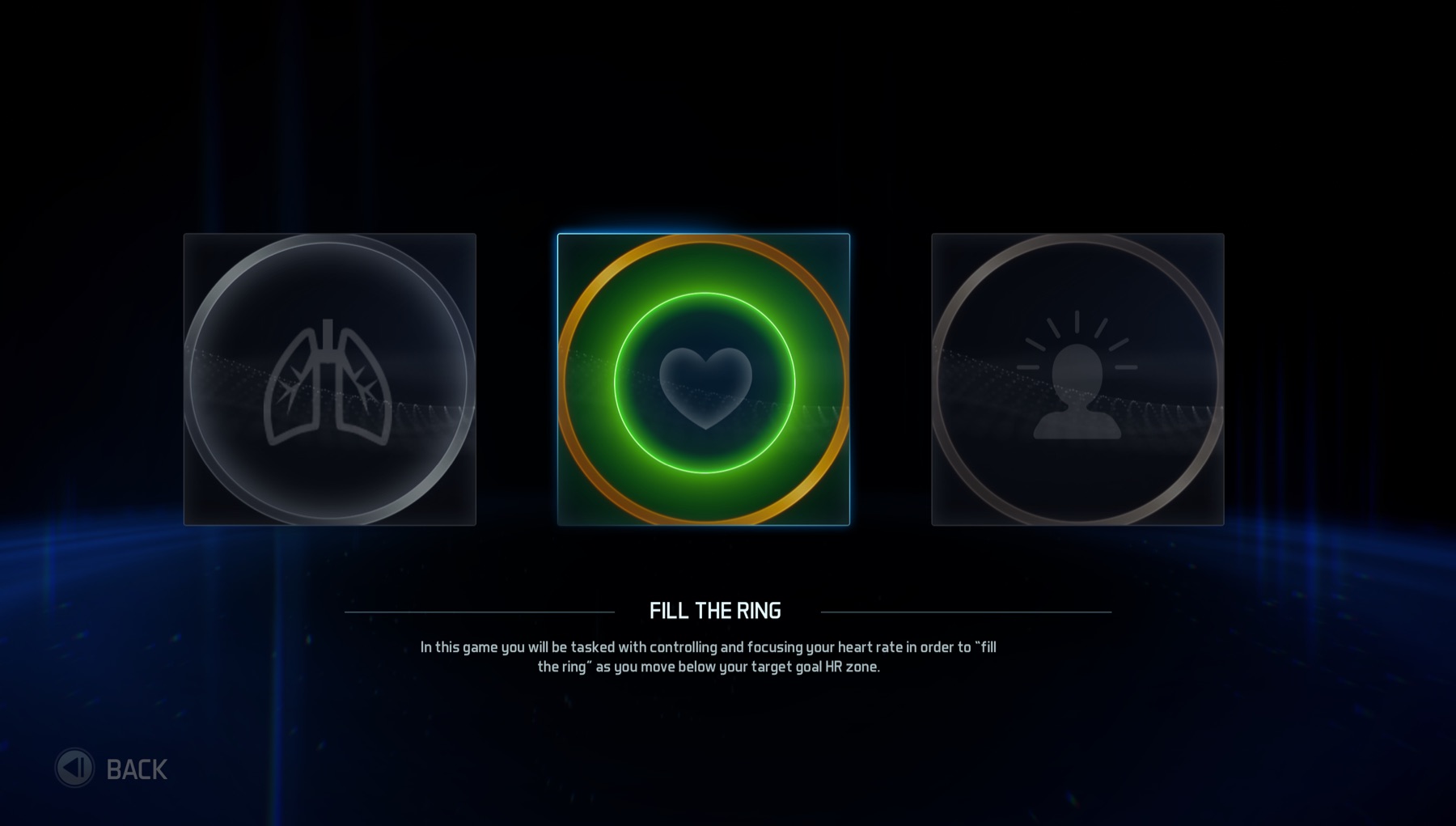
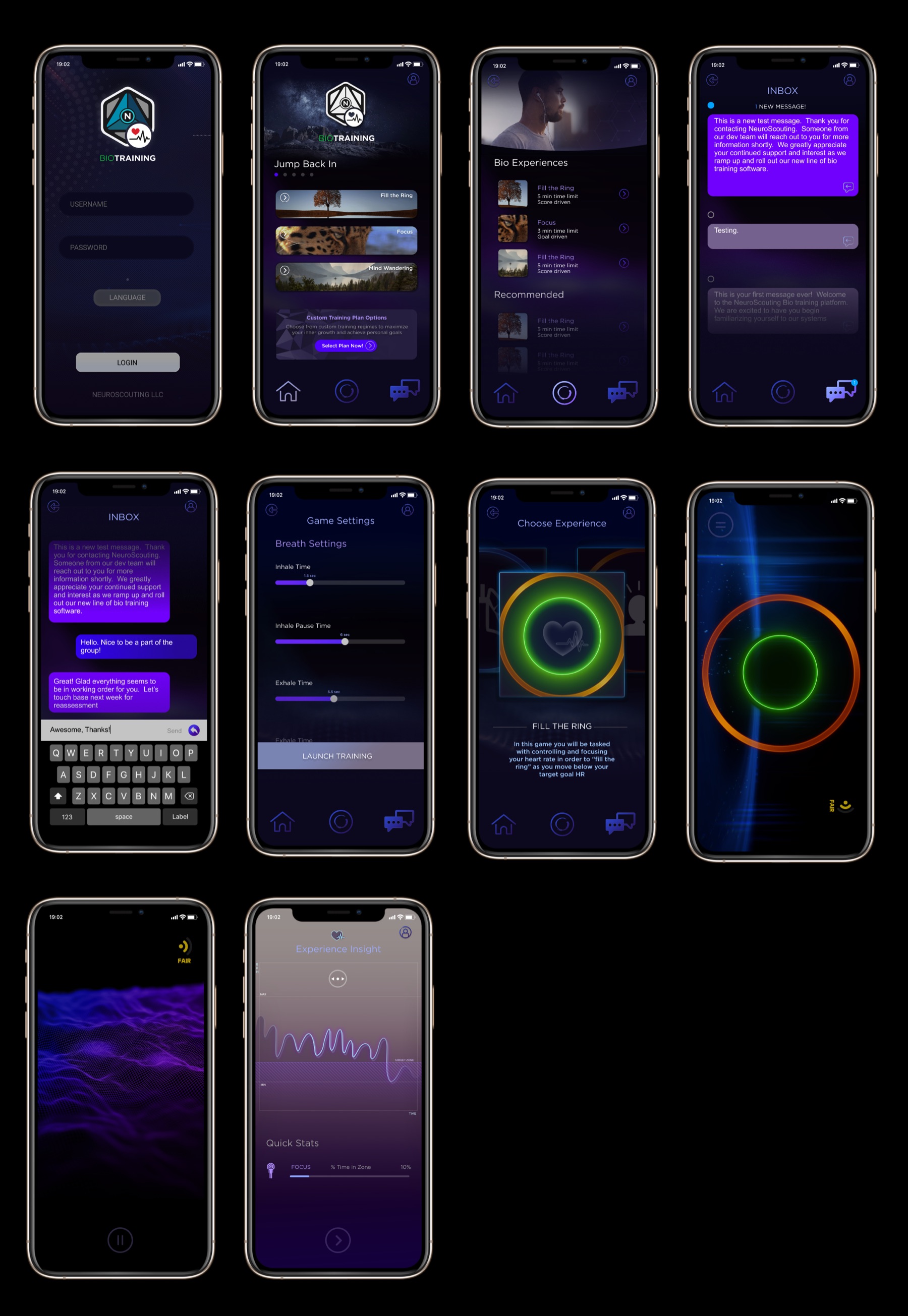
For our Bio mobile app we wanted a simplistic feel that would appeal to a more general consumer audience. I took influence from other meditation apps that are currently on the iOS store, but with a more science-centric look and feel. Responsible for wireframing, concepting, design, asset creation. Some icons were sourced from thenounproject.com.
Alternative in-game design
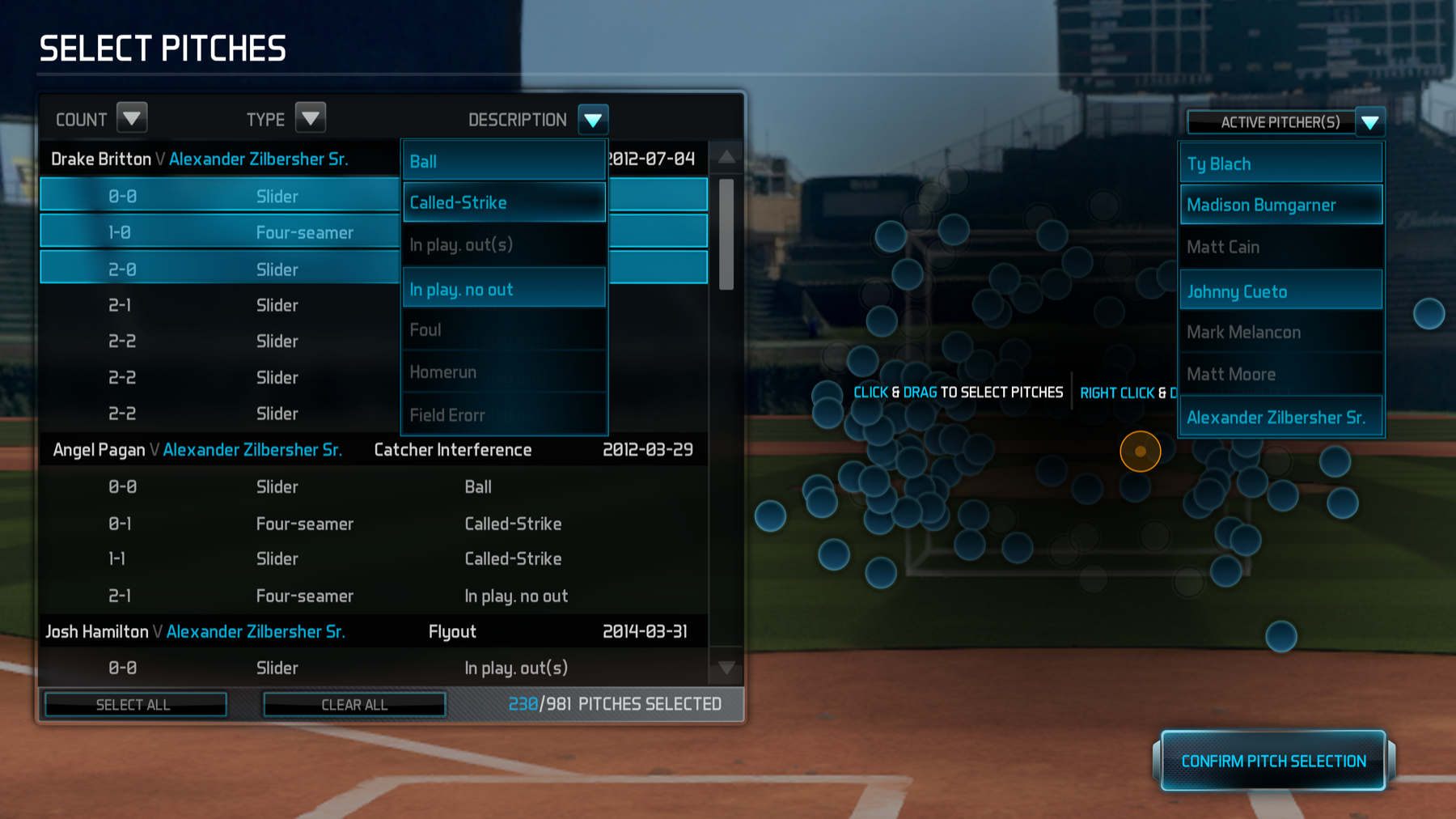
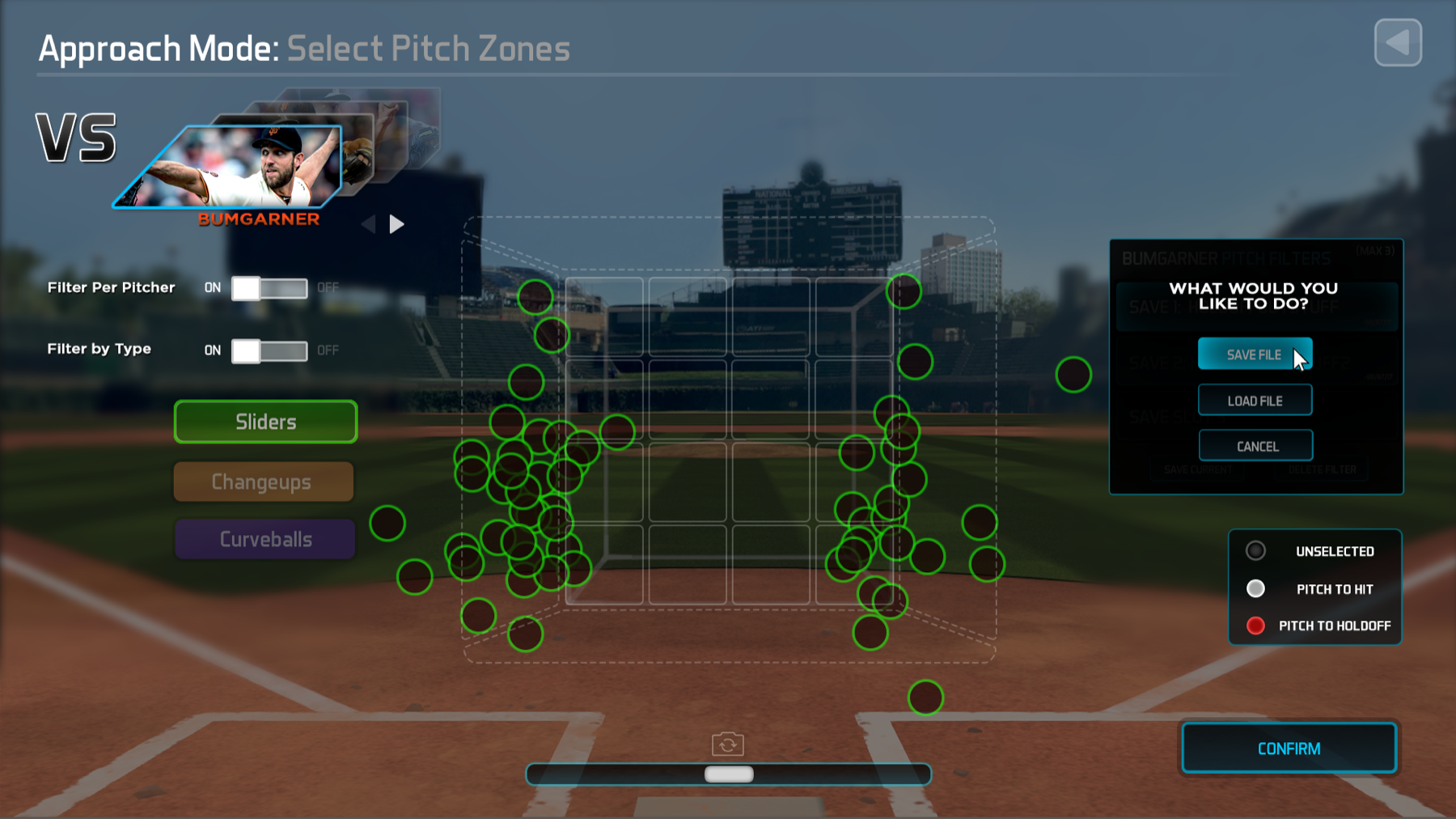
A large-scale VR pitch simulation experience developed for professional baseball applications.
Responsible for concepting, design, asset creation, animations.